


Highlights
- Self-powered docking station that integrates a guest laptop into a Yealink conference room over a single USB Type-C cable.
- Combines audio, video, and HDMI output together into one connection, no extra driver installation required.
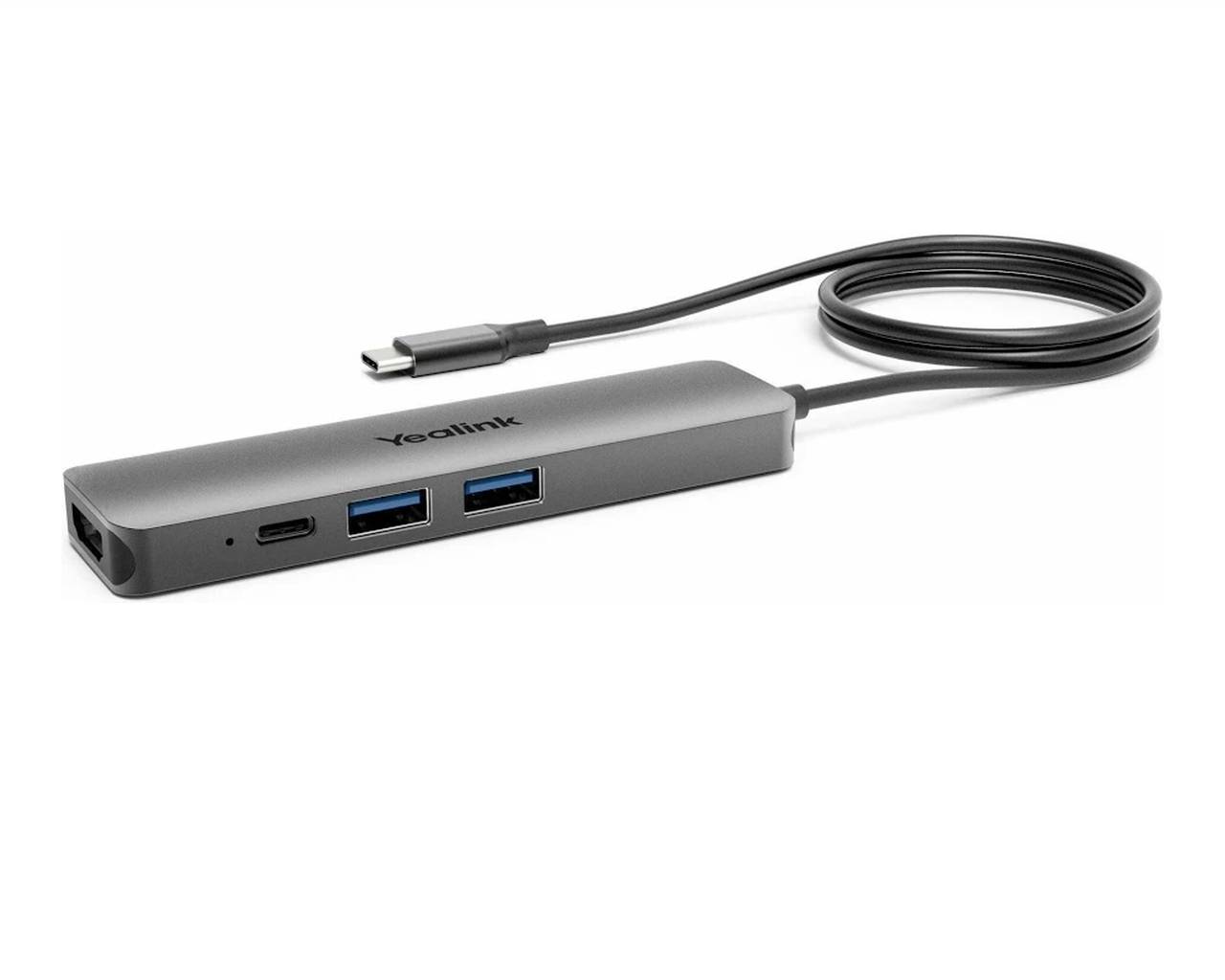
- Two USB 3.0 ports, one USB Type-C port, and one HDMI output for external device connections.
- Charges a connected laptop via the Type-C cable, so guests don't need their own power adapter.
- Compact, flexible design mounts to the top or bottom of the table using Velcro.
- Manageable through the Yealink Device Management platform.
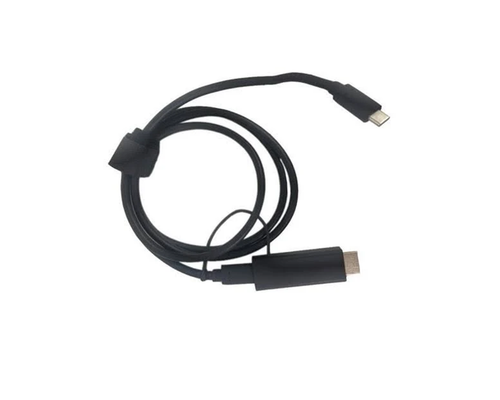
- Includes a 1.8m HDMI cable with a magnetic ring to reduce interference.
Ideal For
- BYOD-heavy huddle rooms and conference rooms wanting quick, plug-and-play laptop integration
- Rooms wanting a single-cable connection for a guest laptop's display, audio, and USB peripherals
- Deployments wanting to reduce cable clutter and keep table aesthetics clean
- Enterprises standardizing BYOD connectivity across many rooms
Yealink BYOD-BOX Docking Station, 2x USB, 1x HDMI, 1x USB Type-C with Cable (1300004)
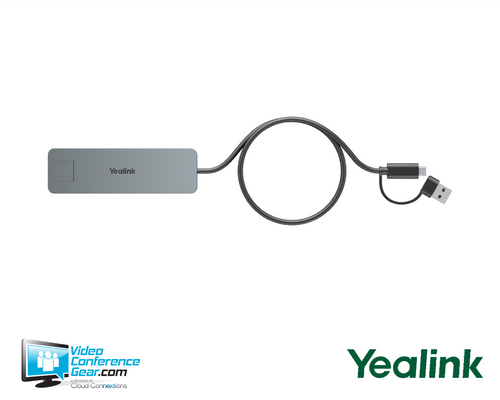
The BYOD-BOX is a self-powered docking station that lets a guest laptop connect into a Yealink conference room over a single USB Type-C cable, combining audio, video, and HDMI output together without requiring extra driver installation. It provides two USB 3.0 ports, one USB Type-C port, and one HDMI output for external device connections, and can charge the connected laptop through the Type-C cable so users don't need their own power adapter during a long meeting.
The box mounts to the top or bottom of the table using Velcro, keeping cables hidden and the room's aesthetics clean, and connects to the room's displays, cameras, and audio equipment via HDMI, USB, and Ethernet. A separate power adapter maintains power to both the box and the connected PC, and the included 1.8m HDMI cable uses a magnetic ring to reduce interference. The unit is manageable through the Yealink Device Management platform. Before ordering, confirm the room's table layout accommodates the box's mounting method and cable routing.
Key Specifications
- Manufacturer model: BYOD-BOX (SKU 1300004)
- Product type: Self-powered USB-C docking station for BYOD conference room integration
- Ports: 2x USB 3.0, 1x USB Type-C, 1x HDMI, 1x network (RJ-45)
- Host connection: single USB Type-C cable
- Power: separate power adapter included; can maintain power to connected PC
- Laptop charging: supported via USB Type-C
- Included cable: 1.8m HDMI cable with magnetic ring for interference reduction
- Mounting: table top or bottom, Velcro-based
- Management: Yealink Device Management platform
What's Included
- BYOD-BOX docking station
- Power adapter
- 1.8m HDMI cable (magnetic ring)
- USB-C cable
Certifications and Compatibility
- Yealink conference room systems: plug-and-play connection to compatible displays, cameras, and audio equipment via HDMI, USB, and Ethernet.
- Management: compatible with the Yealink Device Management platform.
- Compatibility is limited to Yealink-published conference room components. Confirm current compatibility against Yealink's documentation for your specific deployment.
Design Considerations
- Confirm the room's table layout accommodates top or bottom Velcro mounting and cable routing.
- Plan the single USB Type-C connection from the box to the room's Yealink conferencing system.
- Confirm the connected laptop supports USB-C charging if that capability is needed for long meetings.
- For multi-room standardization, specify a consistent BYOD-BOX deployment across every BYOD-enabled room.
VideoConferenceGear.com Assistance
We can confirm the BYOD-BOX is the right fit for your room's BYOD workflow, and help plan table mounting and cable routing. We can advise on laptop charging compatibility and confirm integration with the room's Yealink conferencing system. For multi-room and multi-site programs we can help standardize BYOD connectivity across every applicable room.
Common Questions
How many ports does the BYOD-BOX have?
Two USB 3.0 ports, one USB Type-C port, one HDMI output, and one network (RJ-45) port.
How does it connect to the conferencing system?
Over a single USB Type-C cable, which carries audio, video, and HDMI output together.
Can it charge a connected laptop?
Yes, via the USB Type-C connection.
How is it mounted?
To the top or bottom of the table using Velcro, for a clean, cable-hidden appearance.
Does it need its own power source?
Yes. A separate power adapter is included and can also maintain power to the connected PC.
Warranty Information
Standard Manufacturer WarrantyProduct Videos
Custom Field
Product Reviews
Cloud Connextions Nationwide Services - Design, Installation & Support - A Partner You can Trust
Cloud Connextions specializes in delivering next-generation office technologies, including physical security, video conferencing, and ProAV solutions. As a valued partner for the design, integration, and support of these systems, we work with industry leaders like Verkada, Zoom, AVer, Crestron, Poly, and more. Our team ensures you receive top-quality products and seamless service. VideoConferenceGear.com is our trusted online source, where you’ll find rigorously tested products backed by our extensive expertise in creating customized technology solutions for modern office environments.