
Conference Room Camera Placement Best Practices: Where Should Your Camera Actually Go?
Posted by Video Conference Gear on 8/28/2026
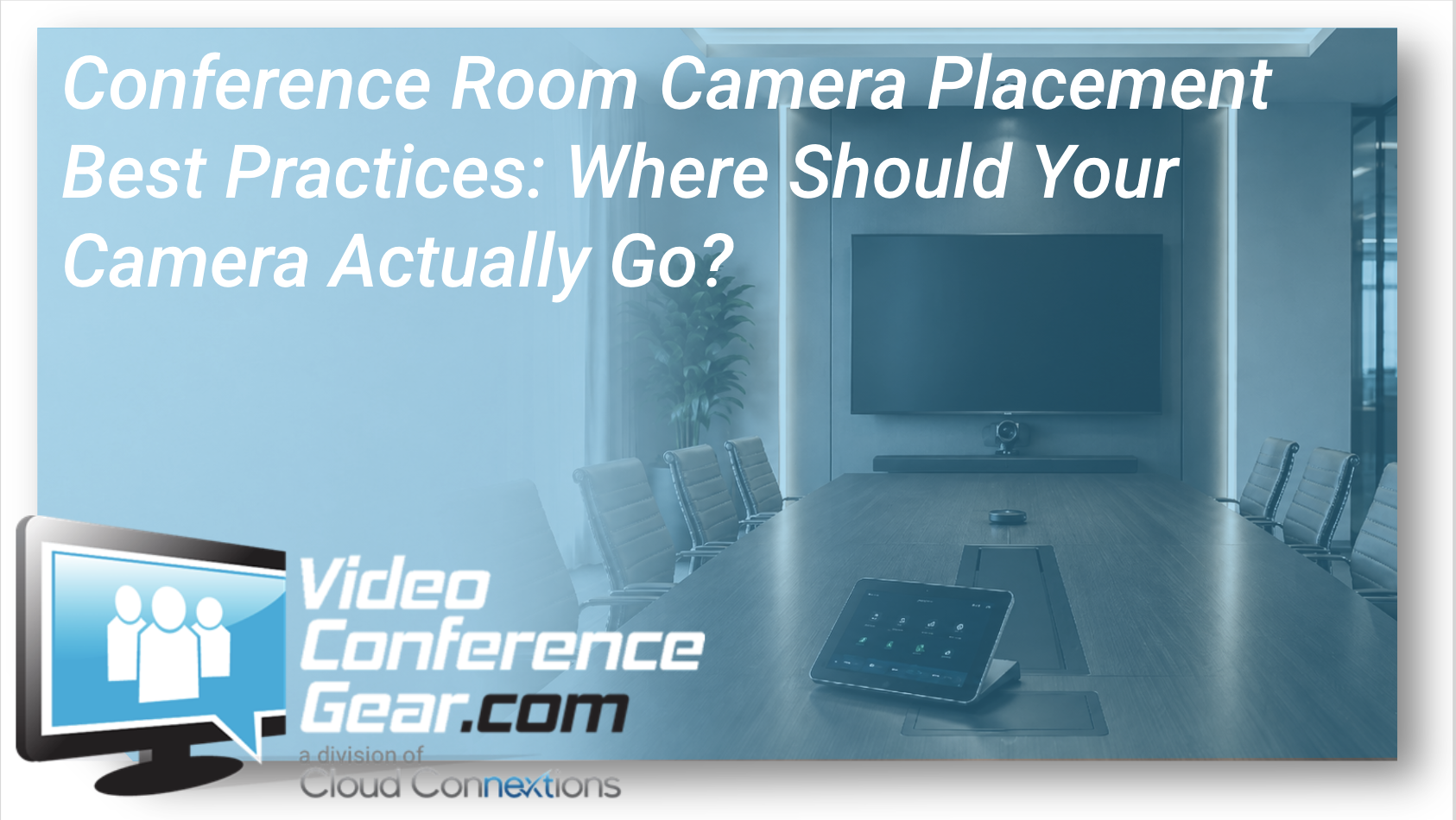
Conference Room Camera Placement Best Practices: Where Should Your Camera Actually Go?
You can buy an excellent conference room camera and still end up with a poor video experience.
Why?
Because where the camera is installed can matter almost as much as the camera itself.
We regularly see meeting rooms where the camera technically covers everyone, but the experience still feels wrong. Participants appear too far away. The camera looks down at the table instead of at people's faces. Someone at the end of the room is barely visible. Or remote attendees feel like they are watching the meeting from across the room instead of participating in it.
Good conference room camera placement starts with understanding how the room is actually used.
Start With the People, Not the Wall
One of the easiest mistakes in conference room design is deciding where the camera goes based on the easiest place to mount it.
Instead, start with the participants.
Ask:
-
Where will people normally sit?
-
How many people need to be visible?
-
Where will they naturally look during a meeting?
-
Where are the displays?
-
Is content usually being presented?
-
Are people primarily talking to remote participants or each other?
-
Does the room have a long conference table, a small huddle table, classroom seating, or something different?
Camera placement should support those behaviors.
The goal is not simply to get everyone somewhere inside the frame. The goal is to make remote participants feel like they are part of the conversation.
Keep the Camera Near the Display
For most traditional conference rooms, the best starting point is near the primary display.
Why?
Because people naturally look toward the screen when speaking with remote participants. When the camera is positioned close to that screen, the difference between where someone is looking and where the camera is located becomes smaller.
That creates more natural eye contact.
Place the camera several feet away from the display and you can create an odd experience. People may appear to be looking dramatically left, right, up, or down even though they are simply watching the person on the screen.
In many rooms, mounting the camera directly above or below the display works well.
But neither position is automatically correct.
How High Should a Conference Room Camera Be?
Ideally, the lens should be positioned reasonably close to the eye level of seated participants.
Mounting a camera too high can create a surveillance-camera perspective where remote participants spend the entire meeting looking down on everyone's heads and the conference table.
Mounting it too low can create the opposite problem.
The exact mounting height depends on the display location, table, seating, room depth, and camera field of view. In many designs, the practical objective is to keep the lens close enough to seated eye level that participants appear natural without interfering with the display or room design.
This is also why display mounting height and camera placement should be considered together.
Moving the display changes where people look. Moving the camera changes how those people appear remotely.
They are part of the same design decision.
Field of View Changes the Equation
A wider camera is not automatically a better camera.
A very wide field of view can be useful in a small room where participants sit relatively close to the camera. But place that same camera at the front of a deep boardroom and the people at the far end of the table may appear tiny.
Conversely, a camera with a narrower field of view may work beautifully in a deeper room if it has appropriate optical zoom, framing, or tracking capabilities.
This is where room dimensions become important.
Before selecting a camera, understand:
-
Distance from camera to nearest participant
-
Distance to the farthest participant
-
Width of the seating area
-
Table shape
-
Number of seats
-
Required framing
Those measurements help determine whether you need a wide-angle camera, PTZ camera, intelligent framing camera, multiple cameras, or another approach.
Long Boardrooms Create a Different Problem
Long conference tables are particularly challenging.
A front-of-room camera may provide a great image of the people closest to the display while making participants at the opposite end of the table appear much smaller.
Moving the camera farther back is not always the solution because that can make everyone smaller.
Going wider may not solve it either.
For larger rooms, the better answer may involve intelligent speaker framing, optical zoom, multiple cameras, or a center-of-table companion camera.
Modern meeting-room design increasingly gives us the ability to capture people from more than one perspective.
That means the question is no longer always:
Where should the camera go?
Sometimes it becomes:
How many camera perspectives does this room actually need?
Don't Forget About Lighting
Even perfect camera placement cannot compensate for terrible lighting.
Avoid positioning participants directly in front of bright windows whenever possible. A large amount of light behind the participants can make faces appear dark while the camera exposes for the brighter background.
Similarly, a camera aimed directly toward a window can struggle throughout the day as lighting conditions change.
When designing a room, consider what the camera sees at 9:00 AM, noon, and 4:00 PM.
Window shades, room lighting, display brightness, and camera positioning can all influence the final experience.
Should the Camera Go Above or Below the Display?
There is no universal answer.
Above the display may work well when the display is mounted at an appropriate height and the camera can remain reasonably close to participant eye level.
Below the display typically produces a more natural perspective in rooms where the display sits regular/higher on the wall.
The important consideration is the resulting camera angle.
You want remote participants looking primarily at faces, not ceilings, tables, laptops, or the tops of people's heads.
Camera Placement Should Be Part of the Room Design
The biggest takeaway is simple:
Do not choose a conference room camera in isolation.
Camera placement is connected to:
-
Room dimensions
-
Display placement
-
Table configuration
-
Seating
-
Platform
-
Audio
-
Lighting
-
Participant behavior
-
Room capacity
-
Meeting workflow
If you're replacing an existing camera, it is worth asking whether the old location is still the right location too.
Perhaps the room originally supported six people and now regularly holds twelve. Maybe your organization moved from Zoom to Microsoft Teams. Perhaps the table changed, the display was upgraded, or hybrid meetings became significantly more important.
Simply installing a newer camera in the exact same spot may recreate the same limitations with better hardware.
Start With the Experience You Want
Before comparing resolutions, zoom ratios, tracking features, or fields of view, define what a successful meeting should look like.
Who needs to be seen?
From where?
At what distance?
How do people actually interact inside the room?
Answer those questions first and camera selection becomes much easier.
If you're planning a new conference room or trying to improve an existing one, our team can help evaluate the room, camera location, field of view, platform, and overall system design before you start replacing hardware.
Sometimes a better camera is the answer.
Sometimes moving the camera is.
And sometimes the room needs a completely different approach.