
EOL vs. EOS: What Should You Do When Conference Room Technology Reaches the End of Its Lifecycle?
Posted by Video Conference Gear on 8/27/2026
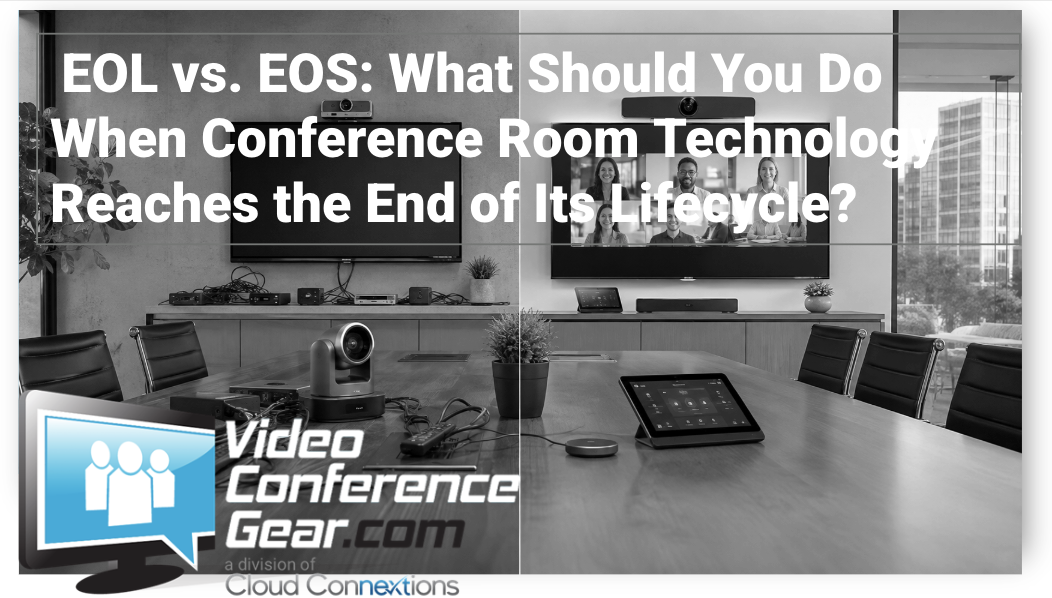
Your conference room camera still turns on. The microphone still works. Teams or Zoom launches when someone walks into the room.
So why should you care that one of those products has reached End of Life?
Because whether a device works today is only part of the equation.
When technology reaches the later stages of its product lifecycle, the bigger question becomes whether the manufacturer is still actively maintaining, updating, testing, repairing, replacing, and supporting the product your team depends on.
For a conference room used once a month, that may represent one level of risk.
For the executive boardroom that hosts client presentations, leadership meetings, interviews, investor conversations, and calls with offices around the world, it is an entirely different conversation.
First, What Do EOL and EOS Actually Mean?
You'll commonly see terms such as EOL, End of Life, EOS, End of Sale or End of Support, and Last Date of Support.
The important thing to understand is that manufacturers do not always use these terms exactly the same way.
For example, Cisco uses EOS to mean End of Sale, while separately identifying a Last Date of Support. Microsoft publishes its own lifecycle and support requirements for platforms such as Microsoft Teams Rooms.
That means the acronym itself is less important than understanding what is actually changing.
Ask:
-
Can I still receive manufacturer support?
-
Will firmware updates continue?
-
Will security vulnerabilities continue to be addressed?
-
Is the product still being tested with current software and operating systems?
-
Can replacement parts or replacement units still be obtained?
-
Can my support partner still escalate a problem to the manufacturer?
-
Is my meeting platform still supporting the operating system or hardware?
Those answers tell you far more than simply seeing "EOL" on a product list.
EOL Doesn't Mean Your Product Stops Working Tomorrow
This is an important distinction.
A product reaching EOL does not automatically mean that it becomes unusable the next morning.
We regularly see older conference room equipment continue operating well beyond the manufacturer's active lifecycle.
The problem is that continued operation and continued support are not the same thing.
Your room does not exist in isolation. Cameras, microphones, room computers, touch controllers, USB devices, operating systems, drivers, networks, and meeting platforms all depend on one another.
Those surrounding technologies continue to change.
The older unsupported device sitting in the middle of that ecosystem may not.
What Are You Actually Vulnerable To?
There are several areas we look at when an organization tells us it is still operating EOL equipment.
Support risk: If the product fails, how much help is actually available?
Compatibility risk: What happens after the next Microsoft Teams, Zoom, Google Meet, Windows, Android, macOS, driver, or firmware change?
Security risk: If a manufacturer is no longer providing security updates for a network-connected device or supporting software, newly discovered vulnerabilities may no longer receive fixes.
Replacement risk: If the device dies, can you obtain another one quickly, or are you searching secondary markets for discontinued hardware?
Operational risk: How important is the room to the people using it?
That last question is often the one that changes the conversation.
What Does It Cost When the Room Doesn't Work?
Imagine twelve executives sitting around a conference table.
Several flew in for the meeting. A customer is waiting remotely. Another executive is joining from another office.
Someone taps Join.
The camera doesn't initialize.
The room computer sees the microphone but not the speakers. The controller isn't communicating correctly. A recent software update created an issue nobody has seen before.
Now IT is called.
Ten minutes pass.
Then twenty.
At that moment, the cost of the problem has very little to do with the original price of the camera.
You're paying for executive time, IT troubleshooting, meeting delays, frustrated remote participants, and potentially a poor experience in front of a customer or partner.
If the failing product is no longer supported, your technical team may also have fewer paths available to resolve the issue.
That's why lifecycle planning should not start after a room fails.
Should You Immediately Replace Every EOL Product?
Not necessarily.
This is where good technology planning matters.
An EOL device in a low-use internal room may represent a very different priority than unsupported technology inside your primary boardroom.
Start by looking at:
-
How frequently the room is used
-
Who uses it
-
How business-critical those meetings are
-
Whether the device still receives updates
-
Current manufacturer support status
-
Compatibility with your meeting platform
-
Availability of replacement hardware
-
Whether other components in the room are also aging
-
Your organization's tolerance for downtime
Then create a replacement priority.
Don't Just Replace the Broken Box
An EOL notification is also a good opportunity to evaluate the room around the product.
If a seven-year-old camera needs to be replaced, how old is the room computer?
What about the controller?
Are the microphones still appropriate for how people use the room today?
Has your organization moved from Zoom to Teams?
Did a six-person room become a twelve-person room?
Are employees now presenting wirelessly when the original room was designed around HDMI?
Before purchasing a direct replacement, determine whether you're solving the old problem again or designing the room for how your organization works now.
If Replacement Isn't Happening Today, Put It in the Budget
The worst replacement strategy is waiting until unsupported technology decides for you.
If you discover EOL or unsupported hardware and it cannot be replaced immediately, identify it, document the risk, determine an appropriate replacement, establish a budget, and build it into your technology roadmap.
That gives IT time to evaluate options instead of buying whatever can ship fastest after a failure.
And if you have dozens or hundreds of rooms, start with an inventory. You may discover that one EOL notification is really pointing toward a larger lifecycle issue across multiple locations.
Know What's in Your Rooms Before It Becomes an Emergency
Conference room technology has become business-critical infrastructure.
If your team depends on these spaces every day, it makes sense to know which products are actively supported, which are approaching the end of their lifecycle, and which are already operating beyond it.
If you've received an EOL notice or you're unsure about the age and support status of your existing conference room technology, we can help review the room, determine what can stay, identify what should be replaced, and build a practical upgrade plan around your existing technology, workflow, budget, and future needs.
You don't necessarily have to replace everything tomorrow.
But you should know what you're depending on today.