
How to Choose the Right Conference Room Camera for Your Space
Posted by Doug Beck: Video Conference Gear on 9/22/2026
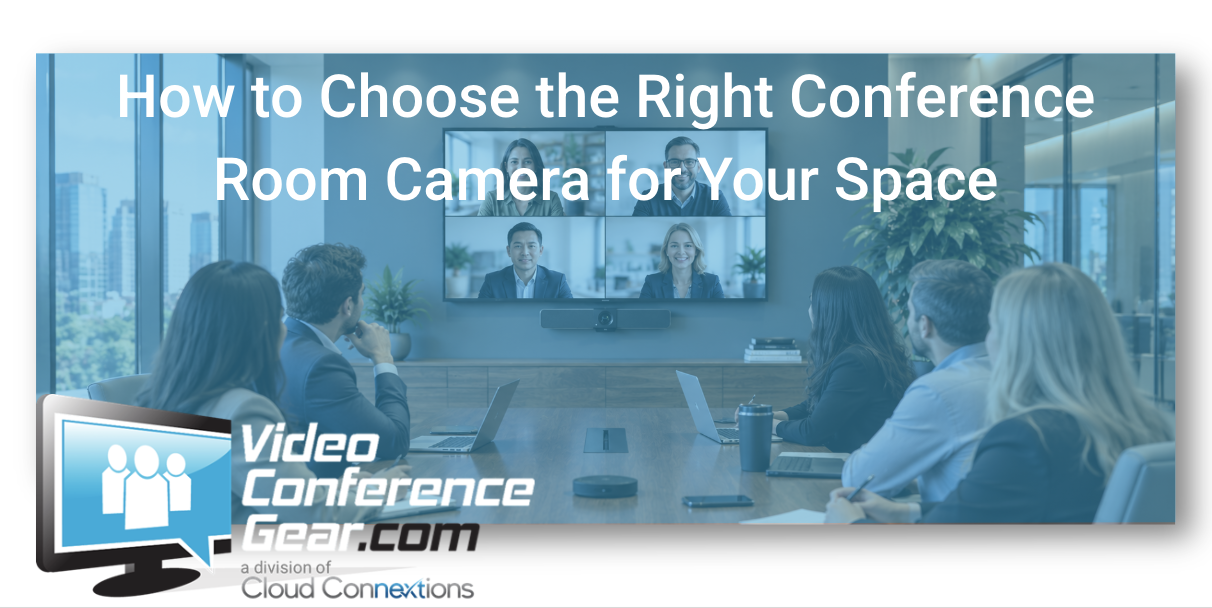
Start With the Farthest Person in the Room, Not the Camera Specification
Written by Doug Beck
When someone asks me which conference room camera they should buy, I usually want to know something about the room before I want to know which brand they are considering.
How long is the table?
How wide is the room?
How many people sit there?
How far is the last seat from the camera?
Do people stay seated, or do they stand and present?
Is this primarily an internal meeting room, or are executives and customers regularly joining from it?
During the years I spent selling conference room products and solutions, I saw buyers get pulled into camera specifications very quickly.
4K.
Optical zoom.
Field of view.
Auto framing.
Speaker tracking.
Those features matter.
But none of them tells me whether the camera actually fits your room.
I would start with the people.
The Farthest Seat Usually Tells You More Than the Closest One
A camera can look fantastic when you are standing near the front of the room.
That is not where I want to evaluate it.
I want to sit in the seat farthest away.
Can I still see the person clearly?
Do they look like a participant in the meeting, or a small figure at the end of a conference table?
Can the camera frame the room without making everybody look distant?
That is where the differences between camera architectures start showing up.
The goal is not simply:
“Can the camera see everyone?”
It is:
“Can remote participants actually engage with everyone?”
That is a much higher standard.
Field of View Matters Most in Shallow Rooms
Wide-angle coverage gets a lot of attention, and for the right room it is extremely useful.
Think about a small huddle room.
The table may sit very close to the display.
Participants may be spread across the width of the room rather than sitting far away from the camera.
In that environment, I am concerned with whether the camera can capture everyone without forcing people to squeeze toward the middle of the table.
That is where a wider field of view can be valuable.
You can explore Video Conferencing Cameras when comparing camera options for different room sizes and layouts.
But wide is not automatically better.
A Very Wide View Can Work Against You in a Long Room
This is something buyers can miss.
If I am trying to see everyone across a shallow room, wide coverage may be exactly what I want.
Move into a long boardroom and the problem changes.
The people at the far end are already farther from the camera.
If the camera is also showing a huge amount of the room around them, those participants can become even smaller in the image.
Now I care more about:
- Participant distance
- Optical performance
- Framing
- Zoom capability
- Camera positioning
The right camera for a ten-person room is not determined by the number ten.
The shape of that room matters.
Doug's Rule: Room Capacity Is Not a Camera Specification
I would be cautious with phrases like:
“Camera for a 12-person room.”
Twelve people could be sitting around a relatively compact table.
Or they could be spread across a long executive boardroom.
One camera might work beautifully in the first room and struggle in the second.
Before buying, I would rather know:
Room length
Room width
Table length
Distance from the camera to the farthest participant
Those measurements are much more useful than seat count alone.
Zoom Is Valuable When Distance Becomes the Problem
Once people are sitting farther away, zoom becomes much more important.
This is where PTZ and other dedicated camera architectures may start becoming more attractive.
A camera with stronger optical capability can provide a more useful image of participants at a distance without simply enlarging pixels digitally.
That becomes valuable in:
- Boardrooms
- Long conference rooms
- Larger meeting spaces
- Training rooms
- Rooms with presenters
- Spaces where framing needs change
I would not buy more zoom simply because the specification is larger.
I would use it where distance creates a reason for it.
Auto Framing Is Helpful, but It Does Not Fix the Wrong Camera
Intelligent framing has improved the meeting experience considerably.
A camera may be able to:
- Frame the group
- Reframe as participants enter or leave
- Focus attention on active speakers
- Create individual participant views depending on the system
Those capabilities can make meetings feel much more natural.
But software cannot completely overcome bad room fit.
If the camera is simply too far from the participants or does not have the optical capability needed for the space, intelligent framing is still working with the image it receives.
Start with the correct camera architecture.
Then let the intelligence improve it.
Speaker Tracking Is Not Necessary in Every Room
This is another feature I would buy based on the workflow.
In some executive or larger rooms, following the active speaker can create a much better remote experience.
In a small room with four people sitting close together, it may not add much value.
Ask:
Do participants move?
Are presentations common?
Is there usually one primary speaker?
Are remote participants expected to follow discussion across a large table?
If not, simpler framing may be all the room needs.
Features should solve behavior.
Not create the design.
Camera Placement Matters More Than People Think
Even an excellent camera can produce a poor experience if it is installed badly.
For our traditional front-of-room designs, I prefer the main camera or video bar under the display, closer to seated eye level.
There is a practical reason.
When the camera sits far above the screen, remote participants appear to be looking down into the room.
The people sitting around the conference table are also looking toward the display while the camera is capturing them from another angle.
Putting the camera closer to the display sightline generally creates a more natural conversation.
Camera placement should be part of the design, not something decided after the display is already mounted.
Don't Put the Camera on the Conference Table Just Because It Is Easy
There are specialized systems designed around center-of-table cameras.
That is a different architecture.
For a traditional front-of-room camera, I generally do not want it occupying table space.
The camera should not become another object competing with:
- Laptops
- Microphones
- Controllers
- Power
- Documents
The room should feel intentional.
One Camera May Not Be Enough in Every Space
Most standard conference rooms should not need multiple cameras.
But there are applications where a second view can be useful.
For example:
- Presenter plus audience
- Large training room
- Long boardroom
- Whiteboard or demonstration area
- Flexible room configurations
At that point, we are no longer really shopping for a camera.
We are designing a room.
That is where broader Room Solutions become the more useful conversation.
A Video Bar May Already Be the Right Camera
There is also a point where separating the camera from everything else may be unnecessary.
If the room is:
- Small or medium
- Predictably laid out
- Within comfortable camera distance
- Within comfortable microphone coverage
- Better served by simpler deployment
then a Video Bar Solution may handle camera, microphones, speakers, and even the native room experience in one system.
I like that when it fits.
The wrong move is deciding you need a separate camera simply because it appears more sophisticated.
Existing Audio Can Push You Toward a Standalone Camera
Now consider another room.
It already has:
- Excellent ceiling microphones
- Installed speakers
- Good displays
- Dedicated Teams Room compute
The camera is simply old.
That is a very different project.
I would not replace the entire front of the room just to solve the camera problem.
A standalone camera lets us preserve the investment that is still working.
That is why understanding the existing environment matters so much.
Don't Forget the Display
Camera and display decisions are connected.
Where is the display mounted?
How large is it?
Where are participants naturally looking?
Are there one or two displays?
A good camera position should support natural interaction with remote participants.
If people are looking several feet away from the camera every time they look at the remote side, the room can feel less conversational.
This becomes even more important in executive and customer-facing spaces.
BYOD Rooms Need Camera Planning Too
A laptop-driven room still deserves professional camera coverage.
If the employee connects through BYOD or Cross-Platform, the laptop may run the meeting, but the room camera should still be selected for:
- Room depth
- Seating
- Participant distance
- Framing
- Platform compatibility
BYOD does not mean the laptop webcam should handle an entire conference room.
It means the laptop provides the meeting platform while the room provides the experience.
Think About What the Remote Participant Actually Sees
This is one of the simplest tests.
Join the room from somewhere else.
Do not evaluate the camera while standing inside the conference room staring at the product.
Look at the remote image.
Can you see facial expressions?
Does the far end feel engaged?
Is there too much empty space?
Does the camera constantly reframe unnecessarily?
Does the framing make the meeting feel natural?
That is the product your remote participant is actually receiving.
Live Comparison Can Be More Useful Than Another Specification Sheet
Camera buying is visual.
At some point, reading specifications reaches its limit.
If we have a relevant camera or comparable solution operating in one of our conference rooms, we may be able to show you:
- Field of view
- Framing
- Participant distance
- Tracking
- Zoom behavior
- Different room architectures
If the exact model is not available, we can often demonstrate a comparable setup and explain where the practical differences start showing up.
Use the site chat and tell us what cameras you are comparing.
If You're Standardizing Cameras, Don't Standardize One Camera Everywhere
For multiple rooms, I would rather develop a small set of camera standards.
Something like:
Small room: wide-angle or integrated video-bar camera.
Medium room: camera selected around actual depth and seating.
Large room: stronger optical capability or modular architecture.
Specialty room: application-specific design.
That gives IT and procurement consistency without forcing one camera into every possible room.
What I Would Want Before Recommending a Camera
You do not need a detailed engineering drawing.
Give us:
- Room length
- Room width
- Table length
- Seating capacity
- Distance to the farthest participant
- Existing camera
- Primary meeting platform
- Whether people present or move around
- Existing audio
- Whether this is one room or part of a larger standard
With that information, we can eliminate a lot of cameras that were never the right fit.
The Bottom Line
Choosing the right conference room camera is not primarily about finding the product with the longest feature list.
Start with the space.
Where are the people?
How far away are they?
How wide is the seating area?
What should remote participants actually be able to see?
Then evaluate:
- Field of view
- Zoom
- Framing
- Tracking
- Camera position
- Room architecture
The best camera is not the one that can technically see the room.
It is the one that makes the people in the room feel present to everyone on the other side.
Trying to Choose the Right Conference Room Camera?
Send us the room dimensions, table length, number of seats, and distance to the farthest participant.
We can help narrow the camera architecture and eliminate products that do not fit before you buy.
Start with:
- Video Conferencing Cameras
- Video Bar Solutions
- BYOD & Cross-Platform Solutions
- Complete Room Solutions
For multi-room standards or larger room designs, Cloud Connextions can also help with room assessments, camera and audio design, structured cabling, installation, deployment, and lifecycle planning.
Start with the farthest seat. It usually tells you what the camera actually needs to do.