
What Is Commercial Access Control?
Posted by Physical Security Gear on 8/19/2026
A Practical Guide to How Modern Access Control Systems Work
If you have been asked to evaluate access control for your organization, the terminology can make a fairly straightforward concept feel more complicated than it needs to be. Readers, credentials, controllers, door hardware, permissions, and management software all have specific roles, and it is easy to become focused on the individual pieces before understanding what the complete system is supposed to accomplish.
At its core, commercial access control answers three basic questions: who can enter a space, which spaces they can enter, and when they are allowed to do it. Once you understand how the different components work together to answer those questions, evaluating the system your organization actually needs becomes much easier.
What Does an Access Control System Do?
Traditional keys provide physical access to a door. If someone possesses the correct key, they can generally unlock that door whenever they have the key with them. Commercial access control adds intelligence to that process by connecting access to an individual identity and a set of permissions rather than relying only on possession of a physical object.
Instead of simply asking whether someone has a key, the system can determine whether a specific person is authorized to enter a specific area at a specific time. An employee, for example, might have access to the main office Monday through Friday but not to a restricted equipment room. A manager may have broader access, while a contractor could receive temporary permissions that expire when a project is completed.
Those differences are managed digitally instead of requiring organizations to issue and track different physical keys for every possible situation. If someone changes roles, leaves the organization, moves to another location, or temporarily needs access to a restricted area, their permissions can be changed without replacing locks or collecting and redistributing keys.
The Main Parts of a Commercial Access Control System
Most commercial access control systems rely on several core components working together. The technology may vary from one manufacturer or system architecture to another, but the basic functions remain similar. A person needs a way to identify themselves, the system needs a way to read that identity and evaluate permissions, and the physical door must ultimately remain locked or be released.
Credentials
The credential identifies the person requesting access. Depending on the system, that credential might be a mobile credential stored on a smartphone, an access card, a key fob, a PIN, or another approved authentication method.
It is important to understand that the credential itself does not necessarily determine where someone can go. Its primary job is to identify a person or account so the system can check the permissions associated with that identity. Two employees could use identical-looking access cards while having completely different access rights because the permissions are managed by the system rather than encoded simply by the appearance of the credential.
This separation between identity and permission is one of the reasons electronic access control can be much more flexible than traditional keys. Administrators can change what someone is allowed to access without necessarily replacing the credential they already use.
Readers
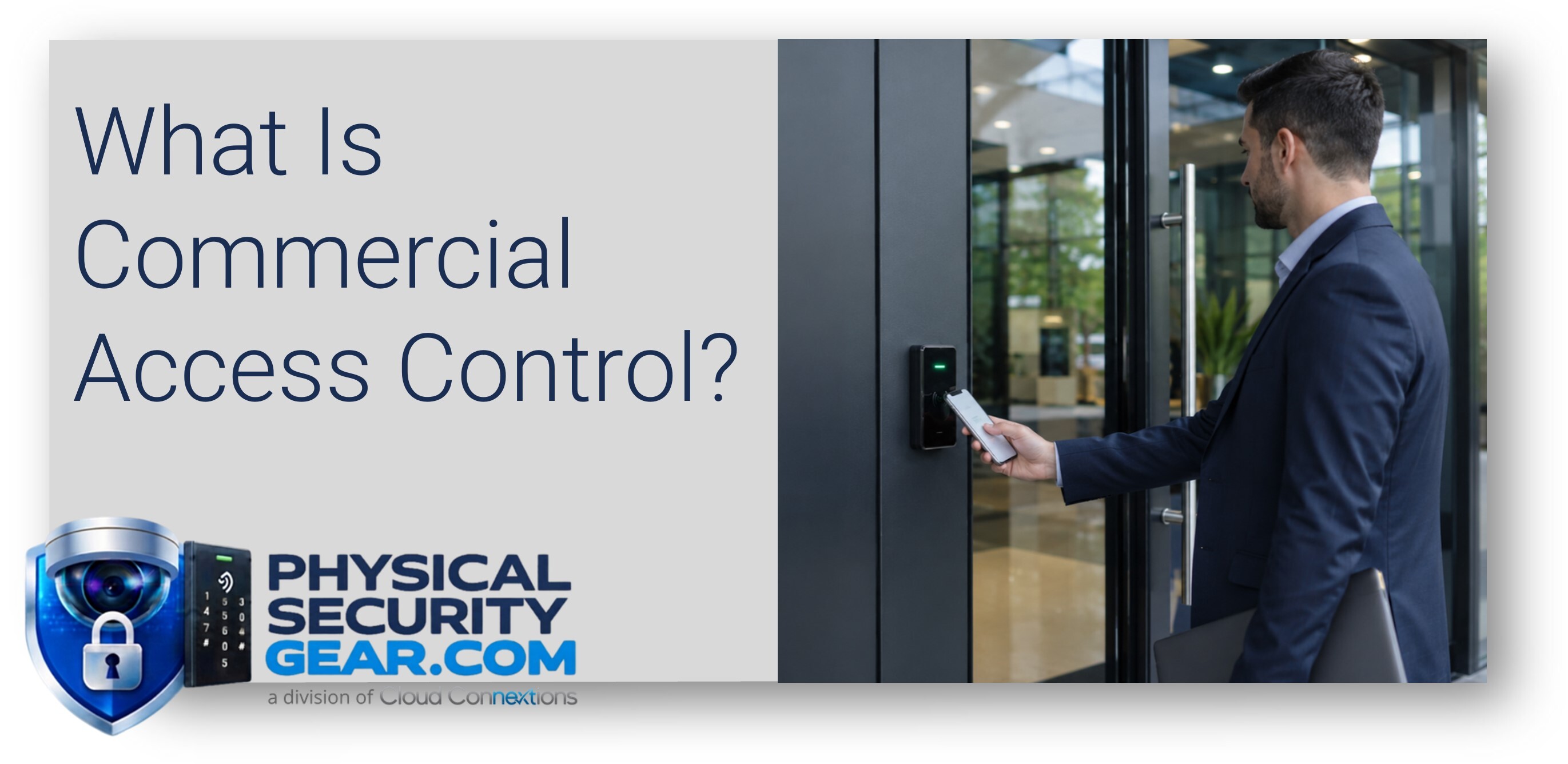
The reader is the device someone interacts with at the door. The user presents a credential, and the reader sends the appropriate information into the access control system so it can be validated. Depending on the system, that interaction may involve tapping or presenting a card, using a smartphone, entering a PIN, or using another authentication method.
Readers can vary considerably depending on the type of credential being used, the environment in which they are installed, and the overall security requirements of the organization. That is one reason choosing an access control platform based primarily on the appearance of the reader is usually a mistake.
The reader is one visible component of a much larger system. What happens behind the reader, how permissions are managed, how reliably the system communicates with the door, and how easily administrators can operate the environment often matter much more over the life of the system.
Controllers
Controllers play an important role behind the scenes. They help manage communication between the door hardware and the access control platform and participate in carrying out access decisions once someone presents a credential.
Depending on the design, a controller may support a single door, several doors, or a larger portion of a facility. Different access control manufacturers approach controller architecture differently, but buyers usually do not need to become experts in the electronics inside the controller before evaluating a system.
The more important question is whether the control architecture has been designed appropriately for the facility. The number of openings, building layout, available infrastructure, reliability requirements, and plans for future expansion can all influence how controllers should be deployed.
Electronic Door Hardware
Eventually, access control has to do something physical. After the system determines that someone is authorized to enter, the appropriate hardware has to secure or release the door.
Depending on the opening, that may involve electric strikes, magnetic locks, electrified locking hardware, request-to-exit devices, door position sensors, and other components. This is also where the realities of the physical building become particularly important.
Two doors that look nearly identical on a floor plan can require very different hardware once someone evaluates the actual opening. The door, frame, existing locking hardware, construction, fire and life-safety requirements, and the way people use the door can all influence the final design.
That is why simply knowing that a project includes fifteen or twenty doors is rarely enough information to create a complete access control solution. The doors themselves have to be understood.
Management Software
The management platform is where administrators interact with the access control environment. It is typically where an organization adds and removes users, assigns credentials, creates permissions, establishes schedules, manages doors and locations, reviews activity, and investigates specific access events.
For organizations with multiple facilities or frequent personnel changes, the management experience can become one of the most important elements of the entire system. The hardware may be installed at the doors, but the software is where IT, Security, Facilities, or Operations teams may spend their time every day.
That makes ease of administration more than a convenience. A system that is difficult to manage can create unnecessary operational work every time an employee is hired, transferred, terminated, assigned to a new location, or given temporary access. A well-designed management environment should make those routine changes easier rather than creating another complicated administrative process.
What Happens When Someone Approaches a Door?
Although several technologies are involved, the actual access process happens very quickly. Someone approaches a controlled door and presents a credential to the reader. The system identifies that credential and checks the permissions associated with the user.
It then determines whether access should be granted based on factors such as the person's permissions, the door they are attempting to enter, and the applicable schedule. If the person is authorized, the appropriate door hardware releases and allows entry. The system can also record the access event so administrators have visibility into what occurred.
From the user's perspective, the entire interaction may take only a second. Behind that simple experience, however, is a combination of identity, permissions, readers, controllers, software, network connectivity, power, and physical building hardware that all need to work together properly.
That distinction is important because the quality of an access control system is not determined by any single component. The user sees a reader and an unlocked door. The organization is relying on an entire environment operating correctly behind it.
Why Permissions Matter
One of the biggest differences between physical keys and electronic access control is the precision with which permissions can be managed. Most organizations do not want every employee to have unrestricted access to every part of every building.
A company might have general employee areas, executive spaces, IT and network rooms, storage areas, sensitive operational spaces, and multiple offices or facilities. Certain employees may need after-hours access while others do not. Contractors may need access to one portion of a building for a limited period, while facilities or security personnel may need broader permissions across several locations.
A good access control design begins by understanding those differences. Who needs access? Where do they need it? When do they need it? Who is responsible for granting, changing, and removing those permissions?
Those questions influence the design just as much as the number of doors in the project. If you begin with the hardware and try to work backward into the organization's access policies, you may end up with a system that technically works but is unnecessarily difficult to operate.
Starting with people, spaces, and permissions gives the technology a much clearer job to perform.
Access Control Is a System, Not a Collection of Readers
This is one of the most important distinctions for organizations beginning an access control project. A buyer may initially describe the requirement by saying, "We need access control on 15 doors."
That is certainly part of the project, but those fifteen doors do not define the entire solution.
You also need to understand how users will receive credentials, who will manage permissions, what door hardware already exists, and what network and power infrastructure is available. The organization should consider how the system is expected to behave if connectivity changes, whether additional buildings or doors may be added later, whether other security systems need to work alongside the access control platform, and how the organization intends to administer the environment after installation.
These considerations are particularly important because access control systems tend to remain in place for years. The system that works for one building and fifty employees today may eventually need to support several facilities, hundreds of employees, contractors, visitors, new security requirements, and different administrative teams.
The best solution is therefore not necessarily the system with the longest feature list. It is the system that fits the way your organization actually operates and provides a reasonable path for how that environment may change.
What Should You Understand Before Comparing Systems?
You do not need to become an access control engineer before beginning the buying process. You should, however, understand enough about your own environment to give a technology partner meaningful information about what you are trying to accomplish.
Start with the number of doors involved and the types of spaces being protected, but do not stop there. Consider how many people will need access and how frequently those permissions change. Identify the people or departments that will be responsible for managing the system and determine whether the project involves one facility or several locations.
Existing infrastructure also matters. Understanding the current doors, locking hardware, network environment, power availability, and any existing security technology can reveal requirements that are not obvious from a simple floor plan.
Finally, think beyond the immediate installation. Consider what the organization expects to add over the next few years. A system that satisfies today's project may be a poor investment if adding the next building or expanding into additional areas requires starting over.
These answers give a technology partner enough context to begin recommending an appropriate architecture instead of simply quoting readers, controllers, and other hardware.
The Bottom Line
Commercial access control combines credentials, readers, controllers, electronic door hardware, management software, and permissions to determine who can enter your facilities, where they can go, and when they are allowed to enter.
The basic concept is straightforward. Designing the environment correctly takes more thought because every organization has different buildings, users, workflows, infrastructure, budgets, security requirements, and plans for growth.
The job is not simply to install technology on a door. It is to create an access environment that works for the people who have to manage it today while continuing to make sense as the organization evolves.
If you are beginning an access control project, start by documenting your doors, users, workflows, existing infrastructure, and future plans. Those details will do more to shape the right solution than any product brochure.