


Highlights
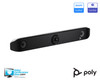
- A 20 MP UHD 4K camera with a 110° diagonal field of view captures a broad view of medium conference rooms.
- Poly DirectorAI provides automatic group, people, and speaker framing to keep the meeting view focused on participants.
- Integrated microphones and stereo speakers provide a complete room audio system, with microphone pickup up to 20 ft.
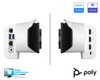
- Use the bar as a standalone room appliance or connect a computer through USB Device Mode for computer-based conferencing.
- HDMI input, Apple AirPlay, Miracast, and whiteboarding support flexible content-sharing workflows.
- Secondary cameras can be added through USB and HDMI when the room requires additional viewpoints.
Ideal For
- Medium conference rooms for approximately 6–9 people
- Microsoft Teams Rooms, Zoom, and Google Meet deployments
- Meeting rooms using native appliance mode or a connected room computer
- Rooms that need HDMI content sharing, wireless presentation, or whiteboarding
- Multi-room deployments managed through centralized Poly Lens cloud management
Resources
- HP Poly
- Poly Studio X52 data sheet
- Poly Studio X52 product specifications
- Poly Studio X52 official product overview
- Teams Rooms on Android certified devices
- Poly VideoOS 5.0 Compatibility Reference Guide
- ClickShare configuration with Poly Studio X/G video bars
- Studio X52 specifications and accessories
HP Poly Studio X52 4K All-in-One USB Video Bar
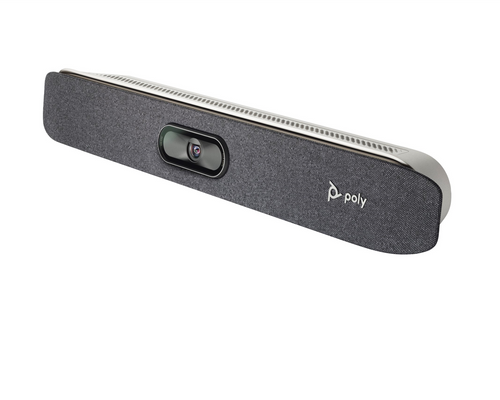
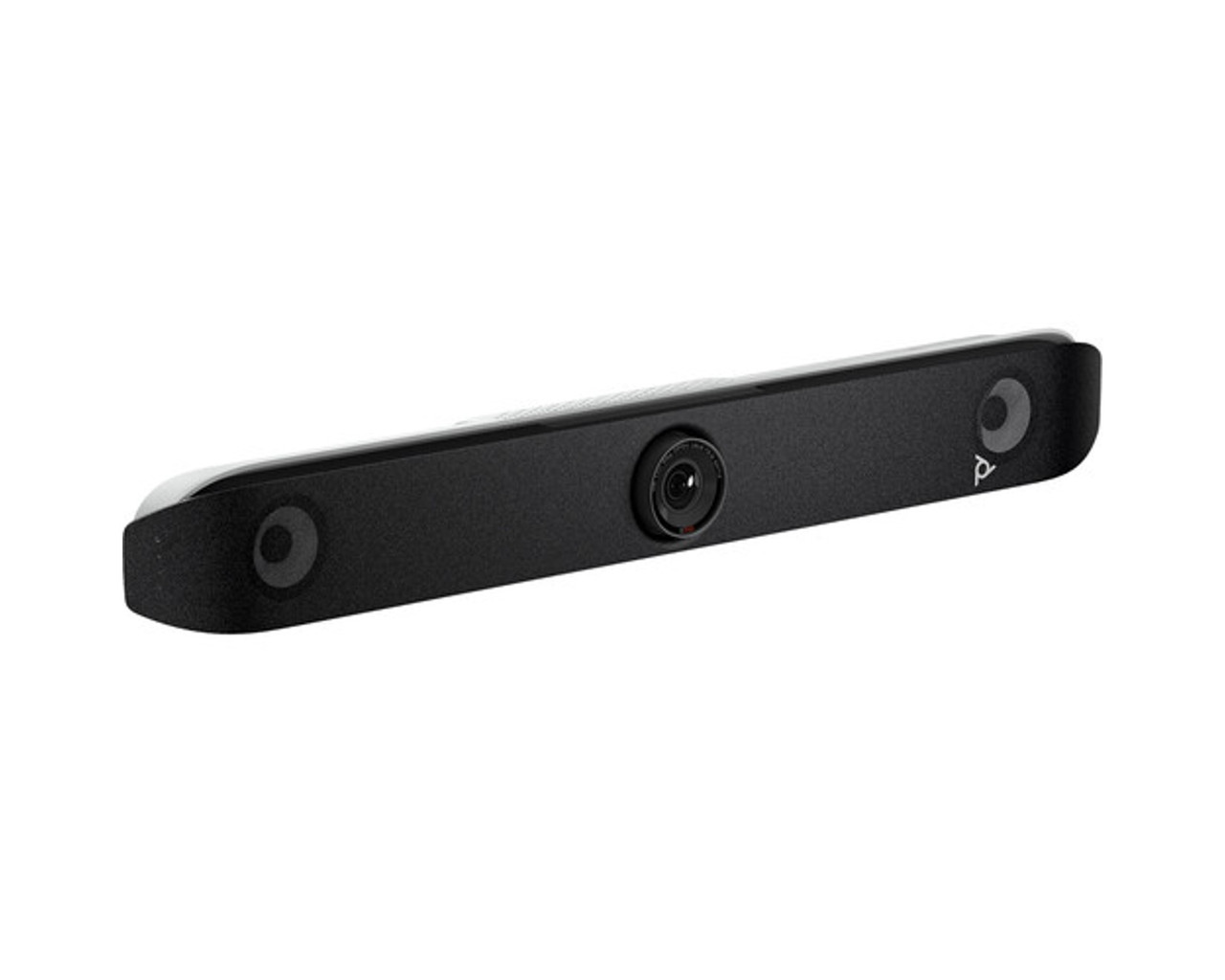
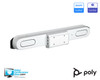
The HP Poly Studio X52 is an all-in-one room video-conferencing appliance for medium conference rooms. It combines a 20 MP 4K camera, integrated microphones and stereo speakers, native cloud video applications, HDMI content input, and USB Device Mode in one bar—giving teams a single system for appliance-based meetings or computer-connected conferencing.
It is best suited to rooms for approximately 6–9 people and supports automatic group, people, and speaker framing. The system can also accept secondary cameras through USB and HDMI, while optional controllers, mounts, and microphones support broader room designs. A room display, network connection, meeting-platform account or license as applicable, and any required controller or mounting solution must be planned separately.
Platform Compatibility

- Connected-peripheral functionality depends on the application used on the connected computer.
- Certification applies to the listed Teams Rooms on Android configuration and supported firmware; follow Microsoft’s current supported-version requirements.
Key Specifications
- Camera: 20 MP UHD 2160p (4K), 110° diagonal field of view, 95° horizontal field of view, and 5x digital zoom.
- Automatic framing: Poly DirectorAI group framing, people framing, and speaker framing.
- Audio: 2 MEMS microphones plus 2 second-order microphones; pickup range up to 20 ft (6.09 m).
- Speakers: Integrated stereo speakers with 20 W RMS and 40 W maximum power handling.
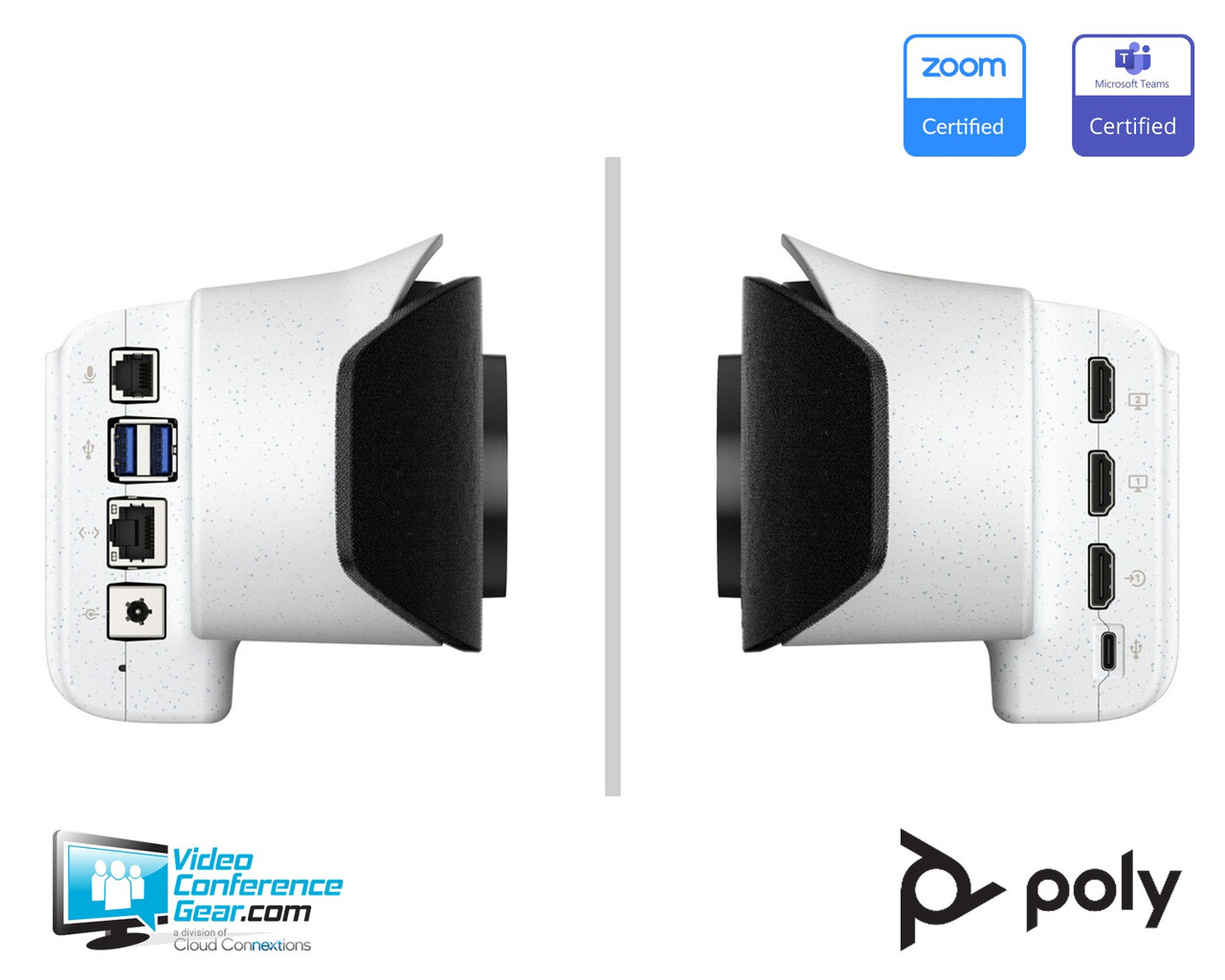
- Connections: 1 HDMI input, 2 USB-A 3.0 ports, 1 USB-C port, and 1 10/100/1G Ethernet port.
- Wireless: Bluetooth 5.0 and Wi‑Fi 6.0 with 802.11a/b/g/n/ac/ax multi-channel concurrency.
- Network and call protocols: IPv4/IPv6, H.323 and/or SIP up to 6 Mbps in Poly Video App mode, and web proxy support for Basic, Digest, and NTLM.
- Video standards: H.264 AVC, H.264 High Profile, H.265, and H.239.
- Content sharing: Apple AirPlay, Miracast, HDMI input, and whiteboarding; content frame rate 5–60 fps, with up to 4K at 15 fps in call.
- Security: AES-128 and AES-256 media encryption for H.323 and SIP, with H.235.6 support.
- Product dimensions: 30.3 W x 4.5 H x 4 D in (769.5 W x 115.2 H x 103 D mm).
- Product weight: 5.6 lb (2.54 kg).
- Operating temperature: 0 to 40 °C; non-operating temperature: -40 to 70 °C.
- Digital signage: Supports Appspace and Raydiant.
What's Included
- HP Poly Studio X52 video bar
- Ethernet cable
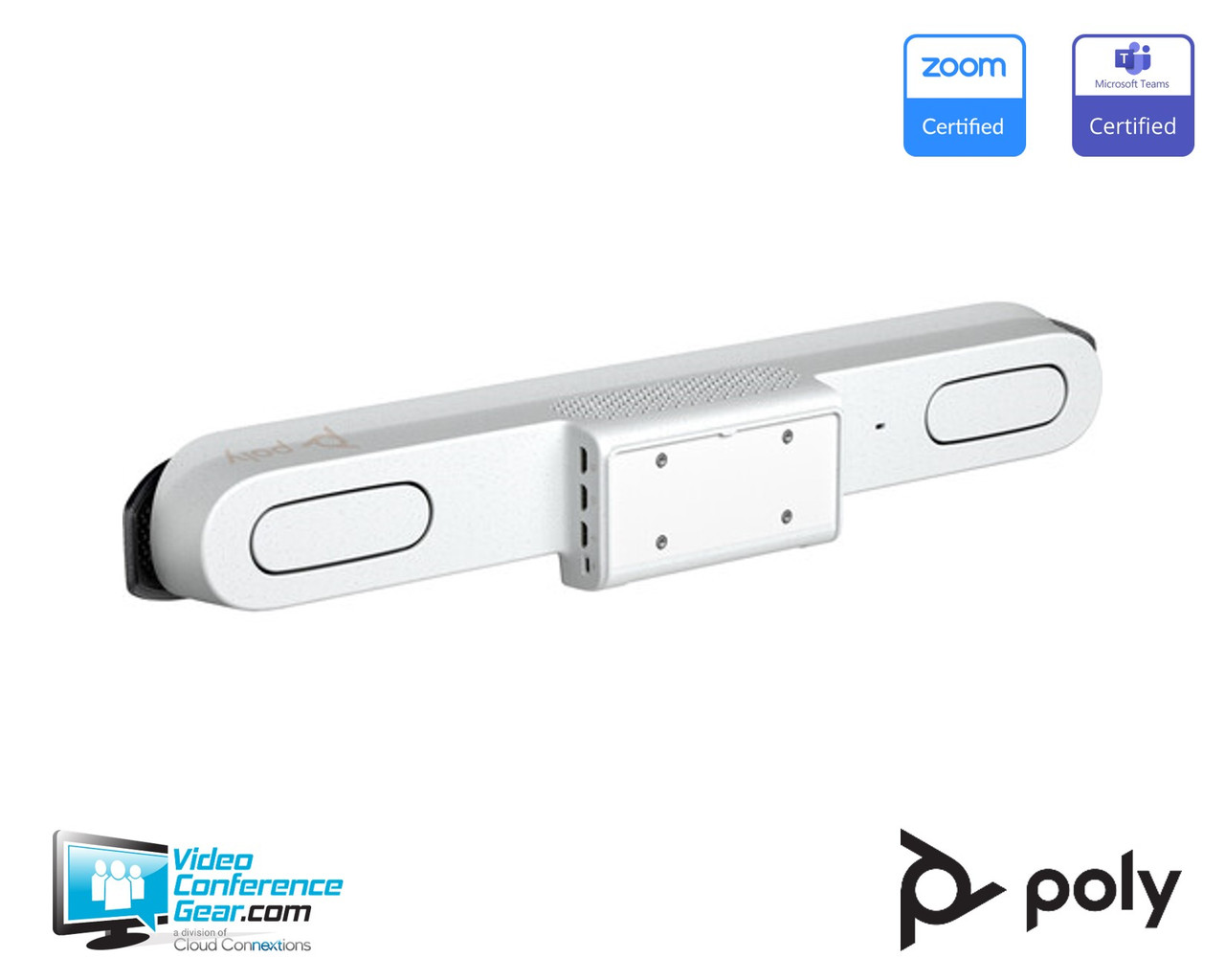
- Monitor clamp
- AC power adapter
- HDMI cable
Compatibility
- Meeting and collaboration platforms: Certified for Microsoft Teams, Zoom, and Google Meet.
- Room and computer connectivity: Use the standalone appliance workflow or connect a room computer through USB Device Mode, using the X52 as the computer’s conferencing camera and audio device.
- AV and content systems: HDMI input supports wired content connection; Apple AirPlay and Miracast support wireless presentation, and Barco lists a supported ClickShare C/CX integration through the HDMI-input configuration.
- Cameras and audio expansion: Secondary cameras can be added through USB and HDMI. An optional Poly Studio Table Microphone is available for expanded microphone coverage; supported camera models and the maximum configuration should be confirmed for the deployment.
- Network: Supports 10/100/1G Ethernet, IPv4/IPv6, H.323, SIP, and the listed web-proxy types. Wi‑Fi 6 and Bluetooth 5.0 are available on the standard radio-equipped version.
Licensing, Warranty & Support
The X52 supports native cloud video applications, Poly Video App mode, and USB Device Mode. HP does not state that meeting-platform service licenses, platform subscriptions, or a Poly Lens cloud-management subscription are included with the hardware, so those requirements should be confirmed for the selected deployment. Poly Lens can provide cloud-based remote device management when included in the organization’s management plan. The standard warranty is a one-year return-to-factory parts-and-labor warranty, also described as a Poly standard one-year limited warranty. HP provides setup guides, software resources, and knowledge-base support. Any additional service or warranty coverage should be confirmed for the specific order and purchase channel.
VideoConferenceGear.com Assistance
We can help validate that the Studio X52 is the right fit for your medium room, confirm the meeting-platform and network configuration, and select the display, room computer, controller, mounting option, microphone, and licensing requirements. We can also coordinate nationwide installation, multi-location deployment, and ongoing support for your conference-room environment.
Common Questions
Is the Studio X52 a USB-only video bar?
No. It can operate as a standalone room appliance with native meeting applications and Poly Video App mode, while USB Device Mode lets a connected computer use the bar’s camera and audio.
What room size is the Studio X52 intended for?
It is intended for medium rooms with approximately 6–9 people. A compatible display, network connection, and power are still required as part of the room system.
Can the Studio X52 support a secondary camera?
Yes. Secondary cameras can be added through USB and HDMI. The supported camera models, maximum number, and configuration requirements depend on the planned deployment.
Does the box include a touch controller, wall mount, or expansion microphone?
No. A touch controller, wall mount, table stand, and expansion microphone are optional accessories rather than part of the standard confirmed box contents.
Are meeting-platform or Poly Lens subscriptions included?
The hardware includes the device capabilities for native cloud video applications and Poly Lens management, but service licenses and subscriptions are not identified as included. Confirm the account, platform, and management requirements before ordering.
Warranty Information
Standard Manufacturer WarrantyProduct Videos
Custom Field
Product Reviews
Cloud Connextions Nationwide Services - Design, Installation & Support - A Partner You can Trust
Cloud Connextions specializes in delivering next-generation office technologies, including physical security, video conferencing, and ProAV solutions. As a valued partner for the design, integration, and support of these systems, we work with industry leaders like Verkada, Zoom, AVer, Crestron, Poly, and more. Our team ensures you receive top-quality products and seamless service. VideoConferenceGear.com is our trusted online source, where you’ll find rigorously tested products backed by our extensive expertise in creating customized technology solutions for modern office environments.