


Highlights
- Push-button keypad that selects the camera mix configuration on a SHARE2 or SHARE2U without reaching the mixer itself.
- Communicates over RS-232, allowing the keypad to sit at the presenter position while the mixer stays in the rack or credenza.
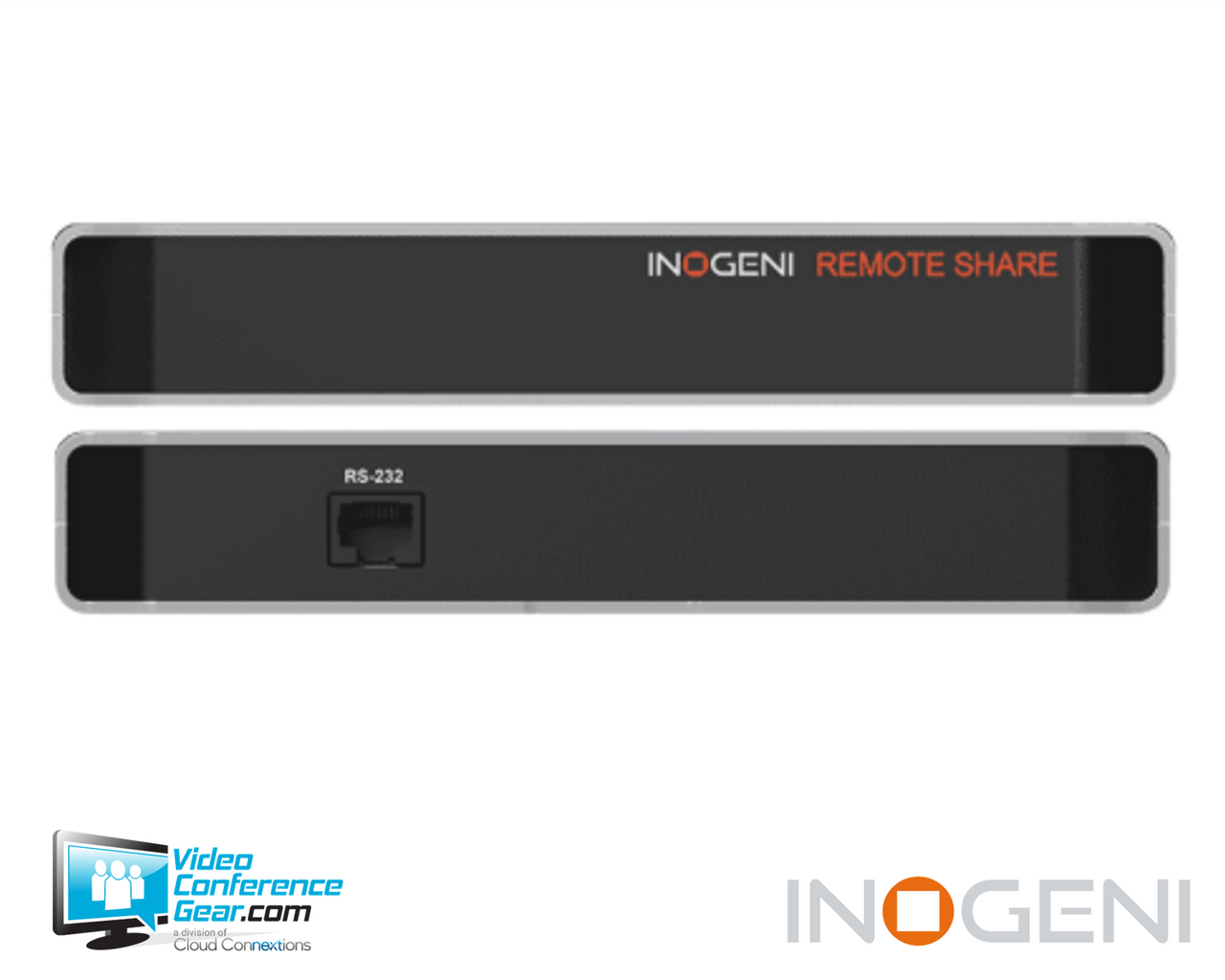
- SHARE2 connects with a single RJ-45 cable directly to the mixer's RS-232 port.
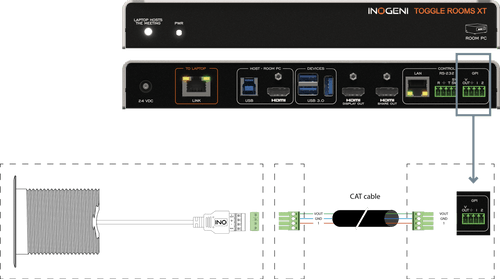
- SHARE2U connects using an RJ-45 cable wired to a terminal block plug at the mixer end.
- Draws its 5 V supply from the host INOGENI device, so no separate power supply is required at the keypad.
- Designed and manufactured in Canada, and TAA-compliant for government and public-sector procurement.
Ideal For
- Lecture capture and classroom rooms where the instructor changes camera views mid-session
- Boardrooms and executive rooms with the mixer concealed in furniture or a rack
- Training rooms running multi-camera presentations
- Government and public-sector projects requiring TAA-compliant hardware
- Live event and streaming setups where an operator selects mixes from a table position
Resources
INOGENI REMOTE Control Keypad for SHARE2 and SHARE2U Camera Mixers
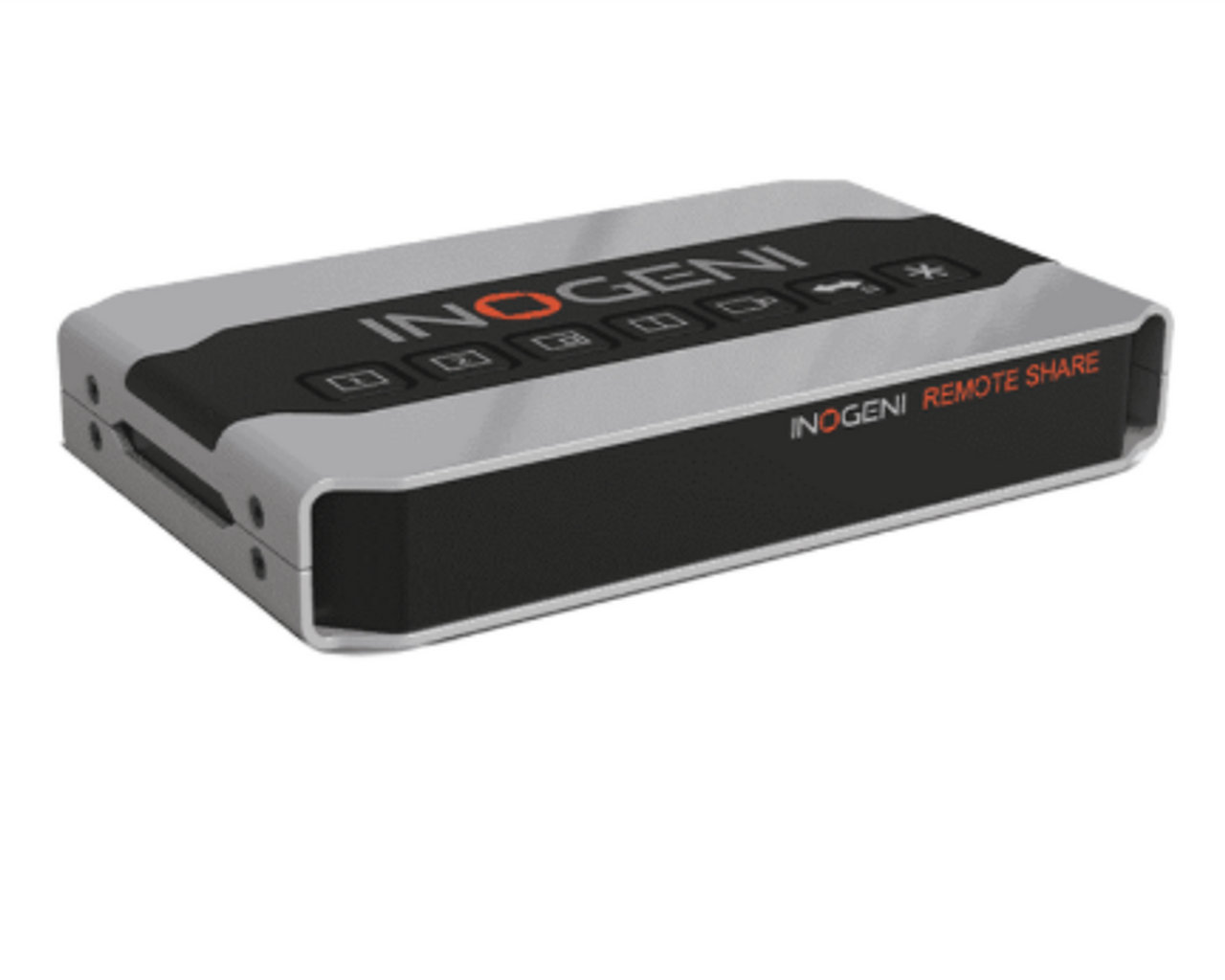
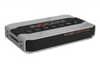
The INOGENI REMOTE is a push-button control keypad for the SHARE2 and SHARE2U camera mixers. It sends RS-232 commands to the mixer so an operator or presenter can change the active camera or the mix layout from a table or lectern rather than walking to the device. The mixer can then be installed where it belongs, in a rack or credenza, while control stays where the person actually is.
This is a companion device, not a standalone product. It requires a SHARE2 or SHARE2U to control, and the wiring differs between the two: SHARE2 takes a straight RJ-45 run to its RS-232 port, while SHARE2U requires an RJ-45 cable terminated to a terminal block plug at the mixer end. In both cases the keypad draws 5 V from the mixer, which means DIP switch 6 on the host device must be set to the ON position before the keypad will operate. Confirm the run length and the connector arrangement during design, since the included 10 ft. cable covers only short table-to-rack distances.
Key Specifications
- Manufacturer model: REMOTE (SHARE2/2U control keypad)
- Product type: RS-232 push-button control keypad for INOGENI camera mixers
- Control interface: RS-232
- Connection to SHARE2: single RJ-45 cable to the mixer's RS-232 port
- Connection to SHARE2U: RJ-45 cable wired to a terminal block plug
- Power: 5 V supplied by the connected INOGENI device
- Dimensions (W x L x H): 18.5 cm x 11.0 cm x 3.0 cm (7.25 in. x 4.25 in. x 1.25 in.)
- Weight: 429 g (0.95 lb.)
- Operating temperature: 0 to 45 C (32 to 113 F)
- Storage temperature: -40 to 105 C (-40 to 221 F)
- Relative humidity: 0 to 90 percent, non-condensing
- Certifications: FCC, CE, RoHS, RCM
- TAA-compliant: yes
- Country of origin: Canada
What's Included
- INOGENI REMOTE control keypad
- 1 x 10 ft. RJ-45 Ethernet network cable
Compatibility
- SHARE2: supported. Connect a standard RJ-45 cable from the keypad to the SHARE2 RS-232 port. Do not connect it to the LAN port.
- SHARE2U: supported. Requires an RJ-45 cable wired to a terminal block plug at the mixer end rather than a straight RJ-45 run.
- Power enablement: the host mixer must have DIP switch 6 set to ON to supply 5 V to the keypad.
- The keypad controls mix and source selection only. It does not replace LAN, USB HID, or RS-232 API control from a host application or control system.
Design Considerations
- Verify which mixer the room uses before ordering cable. SHARE2 and SHARE2U use different terminations, and the wrong assembly will not communicate.
- Do not land the keypad cable on the mixer's LAN port. The connector is physically identical to the RS-232 port, and this is the most common installation error on the SHARE2.
- Confirm DIP switch 6 is set to ON on the mixer during commissioning. Without it, the keypad receives no power and appears dead.
- Plan the run length. The included cable is 10 ft., which suits a table-to-credenza run but not a lectern positioned across a large room.
- Decide where the keypad physically lives. At 7.25 in. by 4.25 in. it occupies meaningful table surface, so account for it in furniture and cable-management planning.
- Consider whether a control system is a better fit. If the room already has a Crestron or similar processor driving the mixer over LAN or serial, a dedicated keypad may duplicate existing control.
Licensing, Warranty & Support
No license or subscription applies to this keypad. INOGENI publishes a two-year warranty for this product. INOGENI's general warranty policy provides five years for products purchased by the end user after August 1, 2024, and two years for products purchased before that date. Warranty coverage extends to the original end-user purchaser from an authorized dealer or distributor and is not transferable. A Return Material Authorization is required for any warranty return.
VideoConferenceGear.com Assistance
We can confirm which INOGENI mixer is in your room and specify the correct cable termination for it, review the run length between the presenter position and the mixer location, and walk through the DIP switch and RS-232 port requirements before the install date. We can also help you decide whether a dedicated keypad or a control-system integration better fits a room that already has a processor in place.
Common Questions
Which INOGENI devices does this keypad control?
It controls the mixing function of the SHARE2 and SHARE2U camera mixers.
Does it need its own power supply?
No. It draws 5 V from the connected INOGENI device. DIP switch 6 on that device must be set to ON.
Can I plug it into the mixer's LAN port?
No. On the SHARE2 the keypad cable goes to the RS-232 port. Connecting it to the LAN port will not work.
Is the wiring the same for SHARE2 and SHARE2U?
No. SHARE2 uses a straight RJ-45 cable. SHARE2U requires an RJ-45 cable wired to a terminal block plug.
What comes in the box?
The keypad and a 10 ft. RJ-45 Ethernet network cable.
What warranty applies to this keypad?
Two years.
Warranty Information
Standard Manufacturer WarrantyProduct Videos
Custom Field
Product Reviews
Cloud Connextions Nationwide Services - Design, Installation & Support - A Partner You can Trust
Cloud Connextions specializes in delivering next-generation office technologies, including physical security, video conferencing, and ProAV solutions. As a valued partner for the design, integration, and support of these systems, we work with industry leaders like Verkada, Zoom, AVer, Crestron, Poly, and more. Our team ensures you receive top-quality products and seamless service. VideoConferenceGear.com is our trusted online source, where you’ll find rigorously tested products backed by our extensive expertise in creating customized technology solutions for modern office environments.