


Highlights
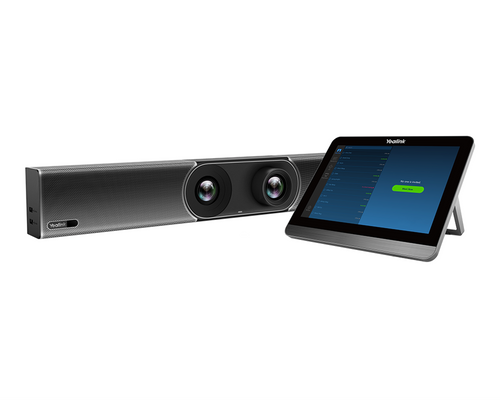
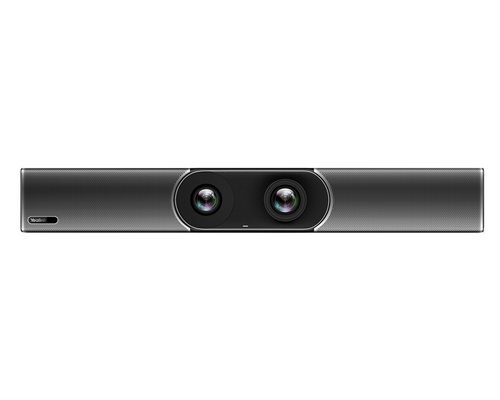
- Three 50 MP cameras combine wide and telephoto views for intelligent room framing and speaker-focused video.
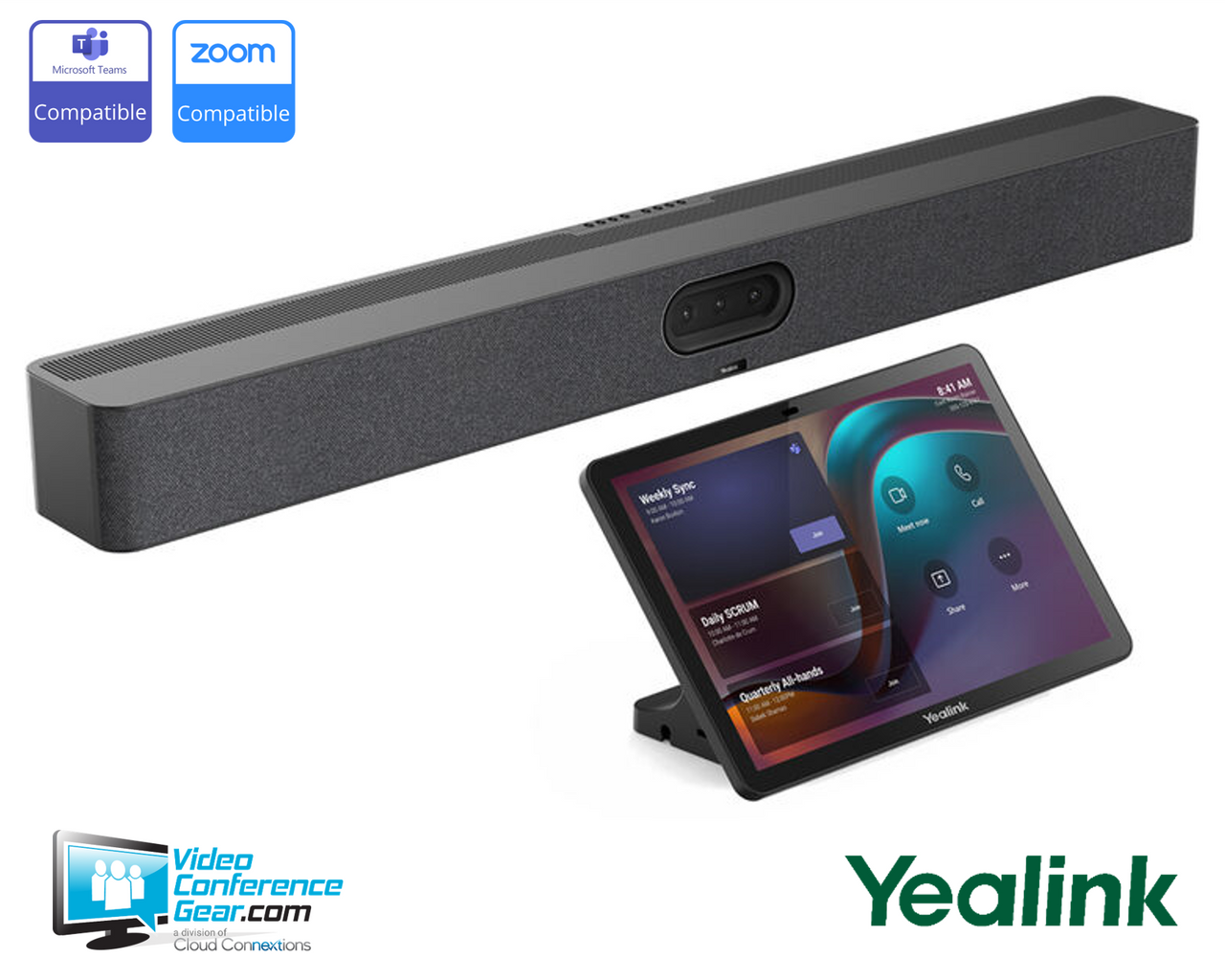
- Native Microsoft Teams and Zoom support gives shared rooms an appliance-based meeting workflow.
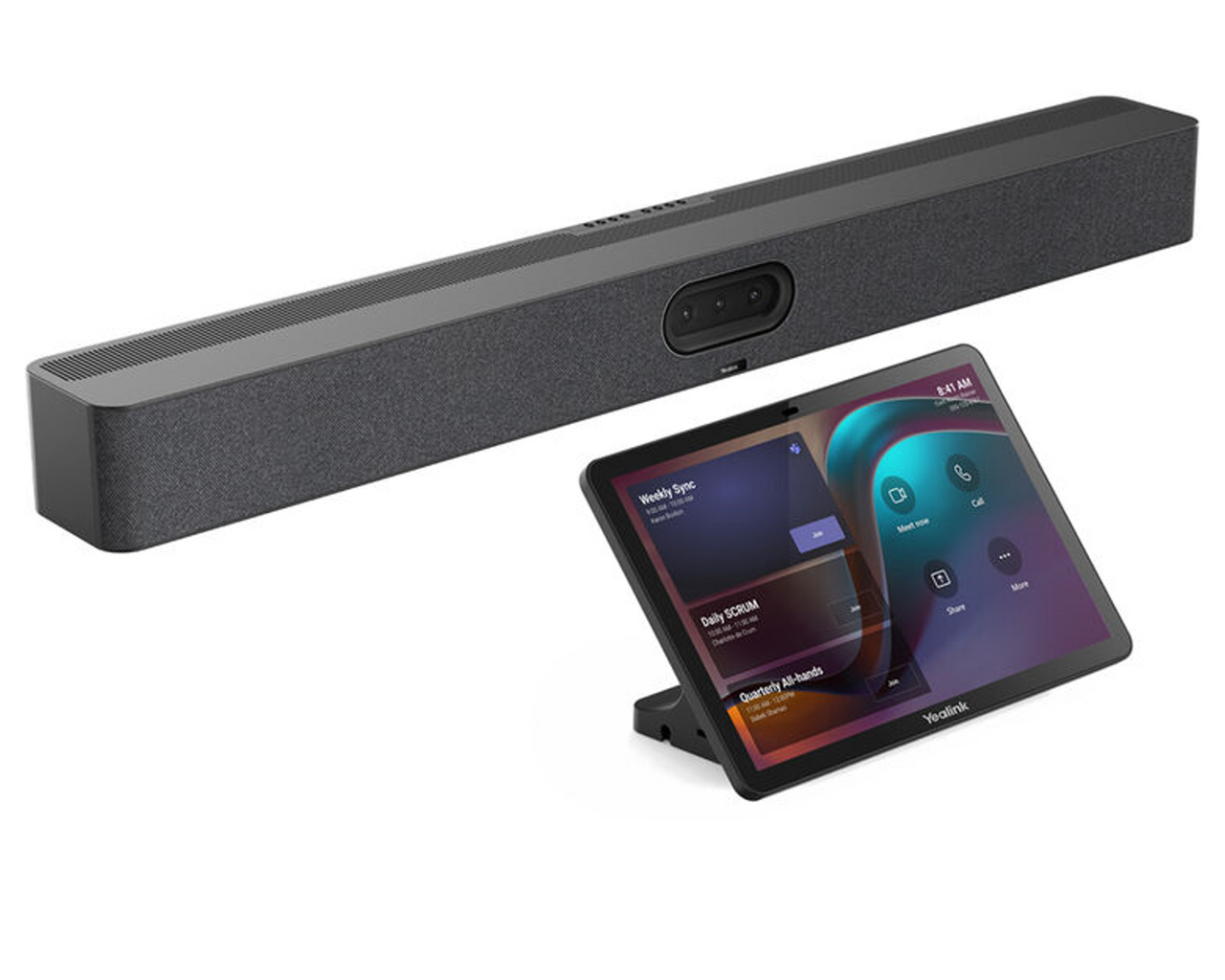
- The included CTP25 touch controller provides a dedicated 10.1-inch interface for room meeting control and wired content sharing.
- Two HDMI outputs support dual-display room layouts.
- A 16-MEMS microphone array with up to 10 m pickup and four built-in 5 W speakers covers room audio without separate tabletop hardware for many room layouts.
- Wired General/BYOD mode lets a connected laptop use the bar’s camera, microphones, and speakers with third-party meeting applications.
Ideal For
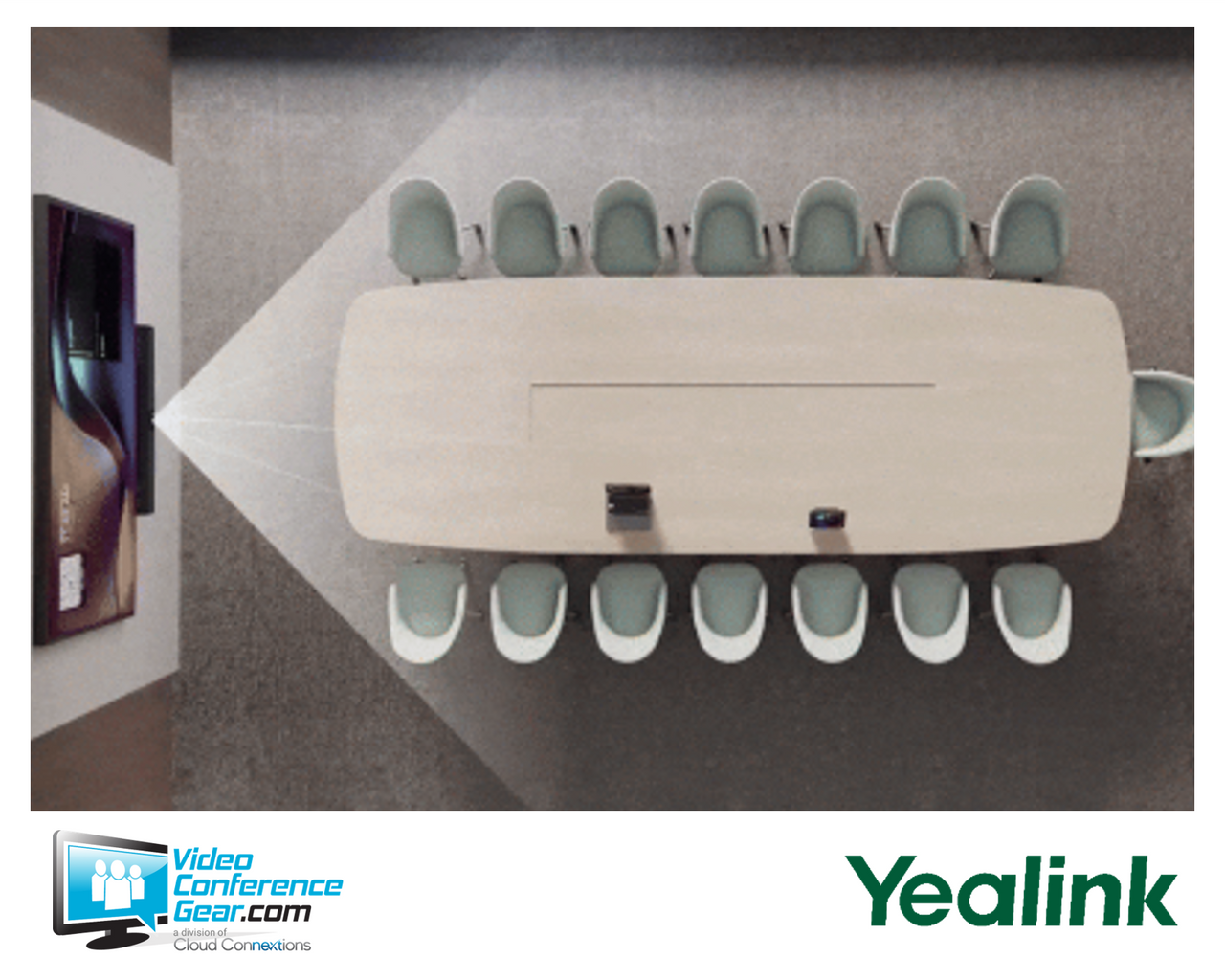
- Medium-to-large shared conference rooms with approximately 7–15 participants
- Microsoft Teams Rooms on Android deployments
- Native Zoom room deployments using an Android collaboration bar
- Rooms needing a dedicated tabletop touch controller and support for two displays
- Organizations that want wired laptop BYOD access for third-party conferencing applications
- Larger rooms that may need optional expansion microphones for added voice coverage
Resources
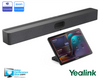
Yealink MeetingBar A50-031 Collaboration Bar with CTP25 Controller
The A50-031 is an all-in-one Android 13 video collaboration bar bundle for shared meeting rooms, pairing Yealink’s MeetingBar A50 with the dedicated CTP25 touch controller. It supports native Microsoft Teams and Zoom workflows while combining three 50 MP cameras, intelligent framing tools, built-in microphones, and speakers in one front-of-room device.
It is best suited to medium-to-large rooms, with Yealink guidance for approximately 7–15 participants and expansion options for longer tables. The bundle includes the video bar and touch controller, but a complete room deployment should also plan for displays, network configuration, mounting, and the applicable meeting-platform licensing; Teams Rooms on Windows deployments additionally require MCore 4.
Key Specifications
- Product type: Android 13 all-in-one video collaboration bar with CTP25 touch controller bundle
- Room guidance: medium-to-large rooms; Yealink guidance is approximately 7–15 participants
- Camera system: three 50 MP cameras, 4K maximum resolution, 8× digital zoom, and electric lens cap
- Wide camera: 98° horizontal and 81° vertical field of view
- Tele cameras: two cameras, each with 41.6° horizontal and 31.8° vertical field of view
- AI video features: IntelliFocus, auto framing, speaker tracking, people counting, picture-in-picture, and Video Fence; Smart Gallery is available for Zoom only
- Audio: 16-MEMS microphone array with up to 10 m pickup distance and four 5 W speakers
- Expansion: supports up to three optional Yealink expansion microphones
- Controller: CTP25 with 10.1-inch, 1280 × 800 IPS touch display
- Display outputs: two HDMI outputs for up to two monitors
- Bar connectivity: USB 3.0 Type-A, USB 3.0 Type-B, USB 2.0 Type-C for dongle pairing, Ethernet, two Yealink VCH ports, 3.5 mm line-in/line-out, and power
- Networking: Wi-Fi 6, Bluetooth 5.0, IPv4/IPv6, DHCP or static IP, and HTTPS access
- CTP25 USB-C workflow: wired 4K content sharing, wired BYOD, and laptop charging; up to 45 W PD2.0 with the supplied arrangement
What's Included
- Yealink MeetingBar A50 video collaboration bar
- Yealink CTP25 touch console
Compatibility
- Meeting and collaboration platforms: Native Microsoft Teams and Zoom support. The MeetingBar A50 is Microsoft Teams Rooms on Android certified and runs Android 13/MDEP.
- Host operating systems and compute requirements: Supports Microsoft Teams Rooms on Windows as MVC S50 when used with Yealink MCore 4. Wired General/BYOD mode connects a laptop so it can use the A50 as its meeting audio and video peripheral for third-party conferencing applications.
- Required supporting hardware and infrastructure: Connect one or two HDMI displays as needed. Plan for network configuration, power, and a suitable mounting approach for the room. Microsoft Teams Rooms on Windows requires MCore 4.
- Microphone, speaker, and room accessories: Yealink lists VCM36 and VCM35 expansion microphones, CM20 ceiling microphone with CS10 ceiling speaker, UVC30 content camera, MeetingDisplay, and mount kits as related A50 accessories.
Licensing, Warranty & Support
A Microsoft Teams Rooms Basic or Teams Rooms Pro license is required when the system is deployed as a shared Teams Rooms device; the hardware does not include that license. Teams Rooms Basic covers core room functions and is limited to 25 licenses per organization, while additional rooms require Teams Rooms Pro. A standard per-user Microsoft 365 license is not authorized for shared meeting-device use. Yealink Management Cloud Service (YMCS) is optional, not required for operation. It can provide centralized deployment, upgrades, monitoring, troubleshooting, alarms, and scheduling. Teams Admin Center and Zoom Device Management are also listed management options for the applicable deployments. Yealink states that its Microsoft video products include a 2-year hardware warranty. Optional Partner PrimeCare can add priority support, next-business-day advanced replacement, software updates, support-center access, YMCS-Room-Professional, and extended coverage up to a five-year maximum. For video-product warranty claims, Yealink uses serial-number-based support tickets and fault evidence; US RMA warehouse delivery estimates after service processing are not guaranteed.
VideoConferenceGear.com Assistance
We can help validate the A50-031 for your room size, meeting platform, displays, network, and audio coverage. We can also help select required Teams Rooms licensing, optional microphones or mounting, and coordinate a complete multi-room deployment and ongoing support plan.
Common Questions
Is this only for Teams Rooms on Android?
No. It supports Microsoft Teams Rooms on Android, native Zoom, and wired General/BYOD mode for a laptop using third-party conferencing applications. It can also be deployed for Teams Rooms on Windows as MVC S50 when used with MCore 4.
Can the A50-031 be used in a large conference room?
Yes, it is intended for medium-to-large rooms. Yealink provides guidance for approximately 7–15 participants, while Microsoft classifies the A50 for a 4.5 m × 8.5 m large meeting room; room acoustics, table layout, and optional microphone needs should be validated for the specific space.
Does it support two displays?
Yes. The MeetingBar A50 has two HDMI outputs and supports dual-monitor room configurations.
What is included with A50-031?
This bundle includes the MeetingBar A50 video collaboration bar and CTP25 touch console. Confirm the complete room design separately, including displays, mounting, network configuration, and any required licensing or optional audio accessories.
Is Yealink cloud management required?
No. YMCS is optional cloud management for centralized device deployment, firmware management, monitoring, troubleshooting, alarms, and scheduling.
Warranty Information
Standard Manufacturer WarrantyProduct Videos
Custom Field
Product Reviews
Cloud Connextions Nationwide Services - Design, Installation & Support - A Partner You can Trust
Cloud Connextions specializes in delivering next-generation office technologies, including physical security, video conferencing, and ProAV solutions. As a valued partner for the design, integration, and support of these systems, we work with industry leaders like Verkada, Zoom, AVer, Crestron, Poly, and more. Our team ensures you receive top-quality products and seamless service. VideoConferenceGear.com is our trusted online source, where you’ll find rigorously tested products backed by our extensive expertise in creating customized technology solutions for modern office environments.