


Highlights
- Android-based computing box for a native Zoom Rooms experience in large meeting spaces.
- Supports 4Kp30 UHD video and content across up to three screens with customizable display layouts.
- Two 4K-capable HDMI outputs for simultaneous, independent content on two displays.
- Pairs with the Yealink 36x hybrid zoom 4K UHD PTZ camera or compatible third-party cameras.
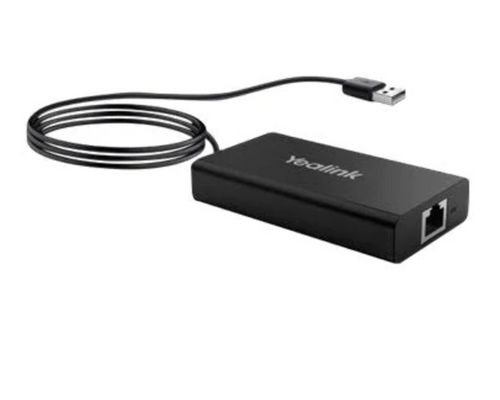
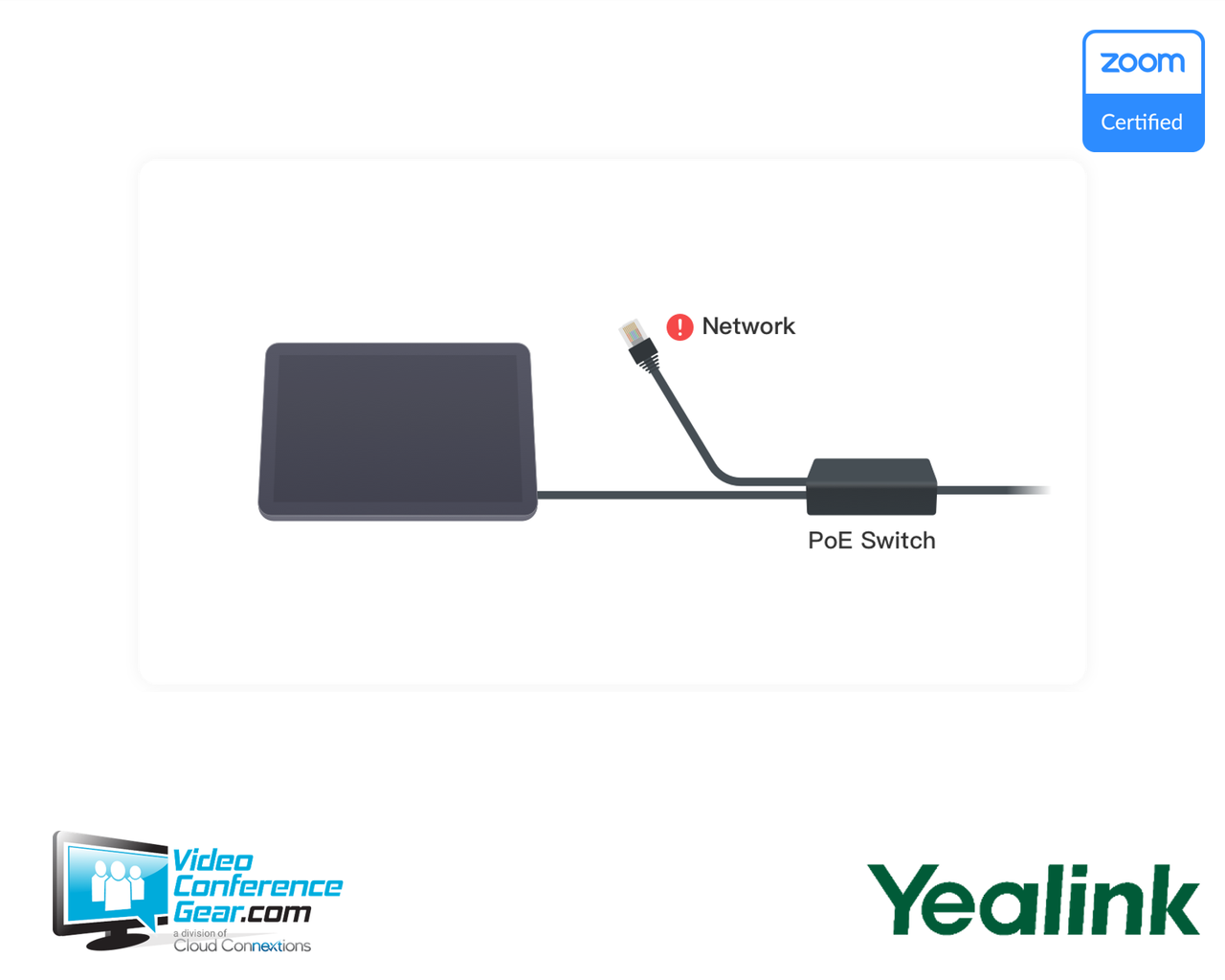
- VCH interface combines data, control signal, and power over a single network cable.
- Detachable design supports wall, tabletop, under-table, or cabinet mounting.
- USB mode lets it act as a PC audio and video peripheral for BYOD flexibility.
- Two-year hardware warranty.
Ideal For
- Large to extra-large meeting rooms standardizing on native Zoom Rooms
- Multi-camera Android deployments needing flexible display and content layouts
- Rooms wanting minimalist, single-cable deployment via the VCH interface
- Spaces integrating with Yealink Meeting Server and Yealink Meeting Management Platform
- Deployments pairing with the Yealink 36x hybrid zoom PTZ camera or a compatible third-party camera
Resources
Yealink MeetingEye 500 Android Computing Box for Zoom Rooms, Large Rooms (M500-0010, 1203658)
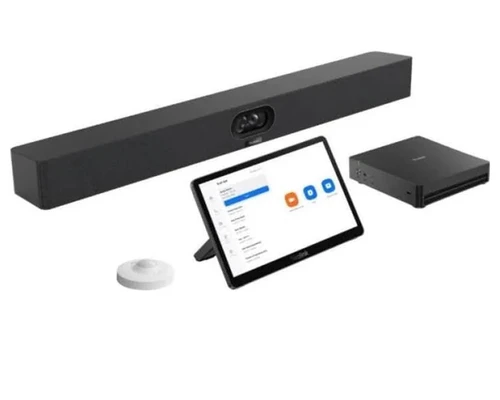
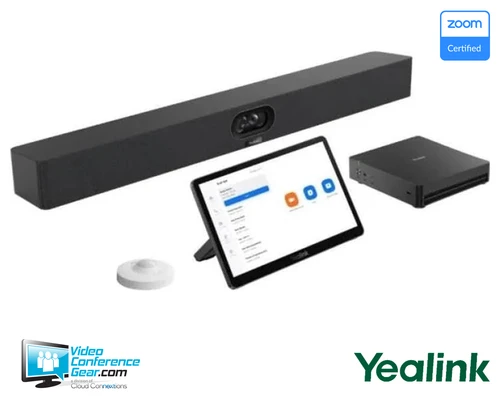
The MeetingEye 500 is an Android-based computing box that delivers a native Zoom Rooms experience for large meeting spaces. It supports 4Kp30 UHD video and content sharing across up to three screens with customizable display layouts, and its two HDMI outputs let participants present different content simultaneously on two displays.
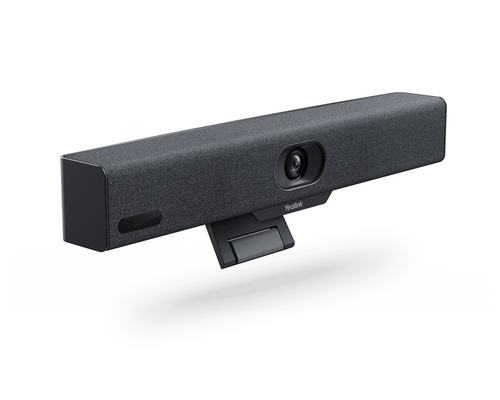
As a computing box rather than a complete room kit, the MeetingEye 500 pairs with the Yealink 36x hybrid zoom 4K UHD PTZ camera or a compatible third-party camera, and with a microphone array or Yealink soundbar for audio, specified separately. Its VCH interface combines data transmission, signal control, and power over a single network cable, simplifying deployment, and its detachable design supports wall-mount, tabletop, under-table, or cabinet placement. Before ordering, confirm the room's camera and audio components are selected separately, and confirm this is intended for a Zoom deployment, since it does not support Microsoft Teams.
Key Specifications
- Manufacturer model: M500-0010 (SKU 1203658)
- Product type: Android computing box for Zoom Rooms
- Platform: Zoom Rooms on Android (Zoom only, not Teams)
- Operating system: Android (11, per distributor specification)
- Video: 4Kp30 UHD, content across up to 3 screens, customizable display layouts
- Display outputs: 2x HDMI, both 4K-capable
- Interface: VCH, combining data, control, and power over one network cable
- Camera compatibility: Yealink 36x hybrid zoom 4K UHD PTZ camera, or compatible third-party cameras
- Audio compatibility: microphone array (10 ft / 3 m range per mic, 360° pickup), Yealink soundbar
- USB mode: can act as a PC audio and video peripheral
- Mounting: detachable, supports wall, tabletop, under-table, or cabinet placement
- Weight: 4.38 lb
- Dimensions: 17.91 x 15.75 x 10.04 in
What's Included
- MeetingEye 500 Android-based computing box
- VCR11 remote controller
- Wall-mount bracket
- Power adapter
- 2x HDMI cables (1.8 m)
- 1x CAT5e network cable (3 m)
Certifications and Compatibility
- Zoom Rooms on Android: certified native platform. This is a Zoom-only product and does not support Microsoft Teams.
- Camera compatibility: Yealink 36x hybrid zoom 4K UHD PTZ camera, or compatible third-party cameras.
- Audio compatibility: Yealink microphone array (3 m range, 360° pickup per microphone), Yealink soundbar, or compatible third-party pro audio.
- Management: integrates with Yealink Meeting Server and Yealink Meeting Management Platform.
- Compatibility is limited to Yealink-published and compatible third-party components. Confirm current compatibility against Yealink's Zoom Rooms accessory documentation for your specific deployment.
Design Considerations
- Confirm the room's camera is selected separately, either the Yealink 36x hybrid zoom PTZ camera or a compatible third-party camera.
- Confirm the room's audio is selected separately, whether a Yealink microphone array, soundbar, or compatible third-party pro audio.
- Plan display count and content layout across up to three screens and two HDMI outputs.
- Use the VCH interface to simplify cabling, combining data, control, and power over a single network cable.
- Choose the mounting method (wall, tabletop, under-table, or cabinet) based on the room's layout.
- Confirm the deployment is for Zoom, since this product does not support Microsoft Teams.
Licensing, Warranty & Support
The MeetingEye 500 requires a Zoom Rooms license for native operation, which is separate from the hardware. It is covered by a two-year hardware warranty, with terms available from Yealink or an authorized reseller at the time of purchase. Configuration and remote management are available through Yealink Meeting Server and the Yealink Meeting Management Platform.
VideoConferenceGear.com Assistance
We can confirm the MeetingEye 500 is the right computing box for your Zoom Rooms deployment, and help select the right camera (Yealink 36x hybrid zoom PTZ or a compatible third-party camera) and audio (microphone array or soundbar) for the room's size. We can plan display and content layout across the available screens and HDMI outputs, advise on VCH cabling for simplified deployment, and confirm mounting method for the room's layout. For multi-room and multi-site programs we can help standardize this computing box across every Zoom Rooms deployment.
Common Questions
Does the MeetingEye 500 support Microsoft Teams?
No. It is a Zoom-only product, built for a native Zoom Rooms experience on Android.
Does it include a camera?
No. It pairs with the Yealink 36x hybrid zoom 4K UHD PTZ camera or a compatible third-party camera, specified separately.
Does it include audio?
No. It works with a Yealink microphone array, a Yealink soundbar, or compatible third-party pro audio, specified separately.
How many screens can it support?
Content across up to three screens, with two 4K-capable HDMI outputs for simultaneous, independent content.
How is it powered and cabled?
Through its VCH interface, which combines data, control signal, and power over a single network cable.
What mounting options does it support?
Wall-mount, tabletop, under-table, or cabinet placement, thanks to its detachable design.
Warranty Information
Standard Manufacturer WarrantyProduct Videos
Custom Field
Product Reviews
Cloud Connextions Nationwide Services - Design, Installation & Support - A Partner You can Trust
Cloud Connextions specializes in delivering next-generation office technologies, including physical security, video conferencing, and ProAV solutions. As a valued partner for the design, integration, and support of these systems, we work with industry leaders like Verkada, Zoom, AVer, Crestron, Poly, and more. Our team ensures you receive top-quality products and seamless service. VideoConferenceGear.com is our trusted online source, where you’ll find rigorously tested products backed by our extensive expertise in creating customized technology solutions for modern office environments.