
Highlights
- Four built-in speaker units delivering up to 95 dB SPL to fill a medium-sized meeting room.
- Single-cable PoE/PoE+ deployment carries both power and data over one network cable to the host.
- Star-topology cascading links multiple units to expand audio coverage in larger or irregular rooms.
- Designed to pair with Yealink Microsoft Teams Rooms kits and SmartVision 80 room systems.
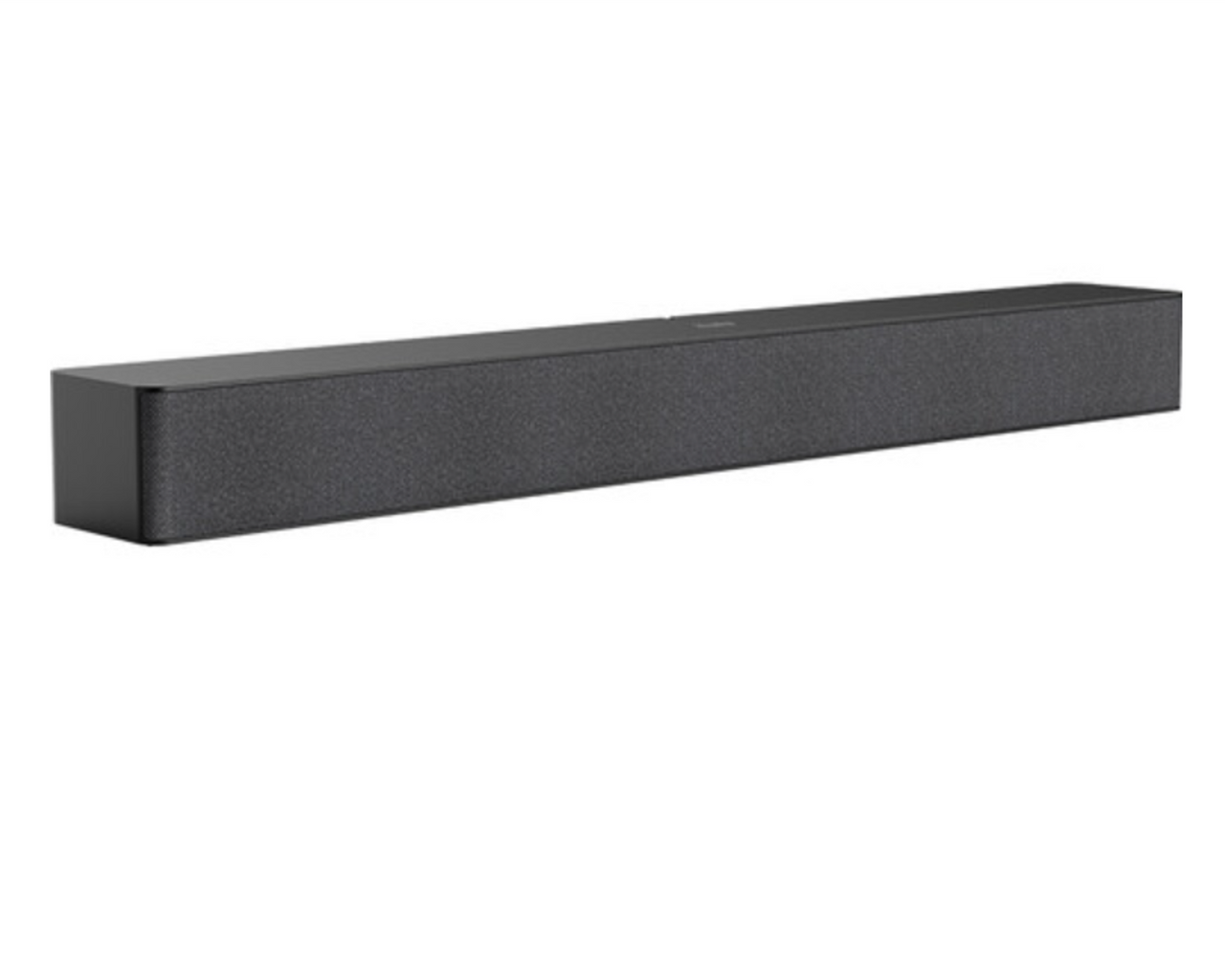
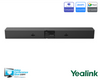
- Graphite gray, low-profile soundbar form factor at 650 mm wide.
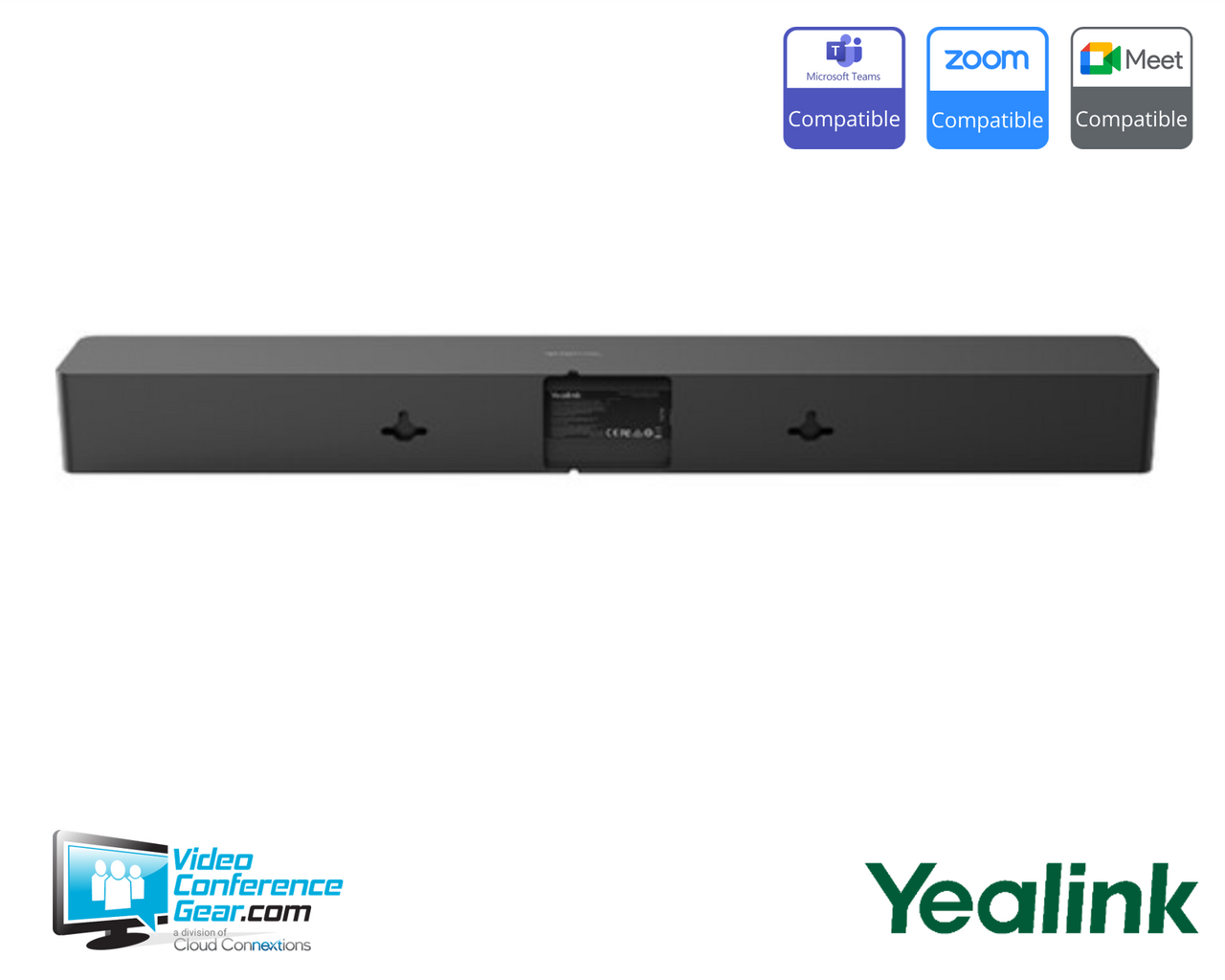
- Wall mount included for display-adjacent installation.
Ideal For
- Medium-sized meeting rooms needing clear, room-filling voice reproduction
- Yealink Microsoft Teams Rooms deployments (MVC S40, S50, S90, S98)
- SmartVision 80 room systems requiring a dedicated room speaker
- Rooms where a single PoE cable run simplifies audio installation
- Larger or irregular rooms where cascaded speakers improve coverage
- Standardized Yealink room builds specifying a consistent room speaker
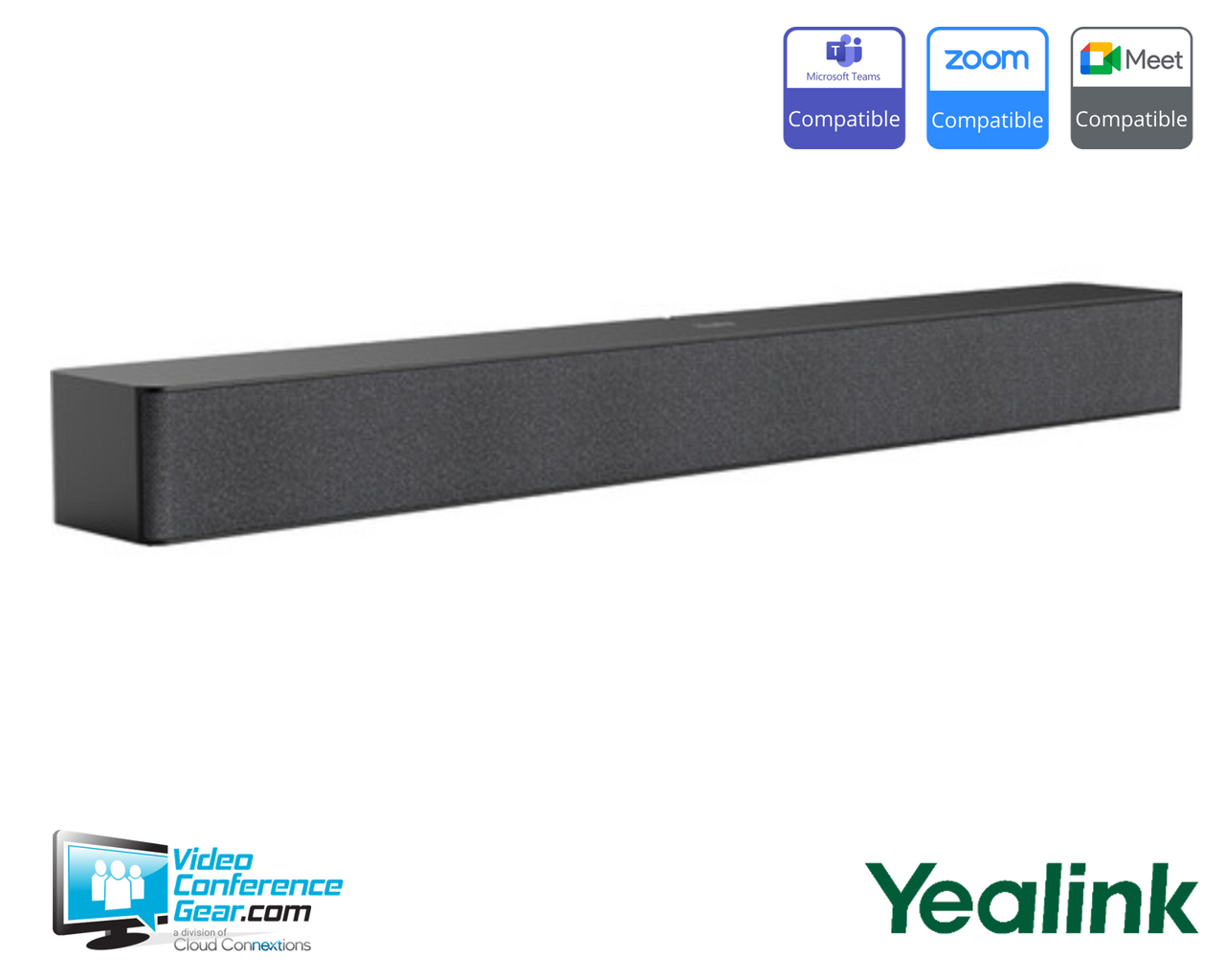
Yealink MSpeaker Pro PoE Conferencing Soundbar for Medium Rooms (1306038)
The MSpeaker Pro is a PoE conferencing soundbar that provides the loudspeaker output for a Yealink room system, using four speaker units to deliver up to 95 dB of sound pressure across a medium-sized room. It connects to the host over a single network cable that carries both power and audio data, which keeps the installation clean and reduces the cabling a room speaker would otherwise require.
The MSpeaker Pro is a room-system audio component rather than a standalone speakerphone, so it is specified as part of a Yealink deployment. It pairs with Yealink Microsoft Teams Rooms kits and with the SmartVision 80 room system, connecting to the AVHub or MeetingDisplay VCH port. Before ordering, confirm the host provides a PoE+ source, since PoE+ is required to reach the full 24 W and 95 dB output, and confirm whether the room needs a single unit or cascaded units for its size. Because this is an output device, pair it with the room's microphones or camera-integrated microphone array for the capture side.
Key Specifications
- Manufacturer model: MSpeaker Pro (1306038)
- Product type: PoE/PoE+ conferencing soundbar (room-system loudspeaker)
- Speaker units: 4
- Maximum sound pressure level: 93 dB at 1 m (PoE), 95 dB at 1 m (PoE+)
- Rated power: 12 W (PoE), 24 W (PoE+)
- Power: PoE (802.3af) or PoE+ (802.3at), single network cable for power and data
- Expansion: star-topology cascading of multiple units
- Connectivity: VCH (RJ-45) connection to Yealink host or AVHub
- Color: graphite gray
- Dimensions (W x D x H): 650 mm x 82 mm x 65.2 mm
- Country of origin: China
Certifications and Compatibility
- Yealink Microsoft Teams Rooms kits: specified as a room speaker option for MVC S40, S50, S90, and S98 configurations.
- SmartVision 80 room systems: connects to the AVHub or MeetingDisplay VCH port as the room loudspeaker, with MCore 4 or MCore Pro as the compute host.
- Power source: requires PoE for 12 W operation or PoE+ for full 24 W operation. When powering speakers or cameras from a PoE switch, Yealink specifies PoE+.
- Cascading: multiple MSpeaker Pro units can be linked in a star topology to expand coverage.
- Compatibility reflects Yealink-published host systems. Confirm the current room-system compatibility against Yealink's audio input and output compatibility documentation for your specific kit and firmware.
Design Considerations
- Confirm the host or PoE switch supplies PoE+ where full output is required. PoE alone caps the speaker at 12 W and 93 dB.
- On a MeetingDisplay, only one device, either the SmartVision 80 or the MSpeaker Pro, can be mounted at the bottom using the MD-AVBracket-S. Plan the bottom-mount position accordingly.
- The MSpeaker Pro provides output only. Pair it with the room's microphone solution for capture, sized to the room.
- For larger or irregular rooms, plan cascaded units and their cable runs during design rather than adding them later.
- Position and mount the speaker relative to the display and seating so coverage reaches the far end of the room.
Licensing, Warranty & Support
No subscription or license is required to operate the MSpeaker Pro itself, since it functions as a room-system audio component. Platform licensing for the room, such as a Microsoft Teams Rooms license, is separate and applies to the room system rather than to this speaker. The MSpeaker Pro is covered by Yealink's standard limited hardware warranty, with terms available from Yealink or an authorized reseller at the time of purchase. Firmware and configuration are managed through the Yealink room system and Yealink's management platforms.
VideoConferenceGear.com Assistance
We can confirm the MSpeaker Pro is the right audio choice for your Yealink room system and room size, verify your host or switch provides the PoE+ needed for full output, and determine whether a single unit or cascaded units will cover the space. We can help plan the MeetingDisplay bottom-mount decision between the SmartVision 80 and the MSpeaker Pro, match the speaker to an appropriate microphone solution for the capture side, and standardize the room-audio specification across a multi-room or multi-site rollout.
Common Questions
Is the MSpeaker Pro a standalone speakerphone?
No. It is a room-system loudspeaker that provides the output side for a Yealink room system. It is paired with the room's microphones for capture rather than used on its own.
Does it need a power supply?
No separate supply is required. It is powered over the network cable using PoE or PoE+. PoE+ is required for the full 24 W and 95 dB output.
Which Yealink systems does it work with?
Yealink specifies it with the Microsoft Teams Rooms kits (MVC S40, S50, S90, S98) and with the SmartVision 80 room system, connecting to the AVHub or MeetingDisplay VCH port.
Can I expand coverage in a larger room?
Yes. Multiple units can be cascaded in a star topology to extend audio coverage.
Can it mount under a Yealink MeetingDisplay?
Yes, using the MD-AVBracket-S, but only one device can occupy that bottom position. If a SmartVision 80 is mounted there, the MSpeaker Pro cannot be, and the reverse also applies.
Warranty Information
Standard Manufacturer WarrantyProduct Videos
Custom Field
Product Reviews
Cloud Connextions Nationwide Services - Design, Installation & Support - A Partner You can Trust
Cloud Connextions specializes in delivering next-generation office technologies, including physical security, video conferencing, and ProAV solutions. As a valued partner for the design, integration, and support of these systems, we work with industry leaders like Verkada, Zoom, AVer, Crestron, Poly, and more. Our team ensures you receive top-quality products and seamless service. VideoConferenceGear.com is our trusted online source, where you’ll find rigorously tested products backed by our extensive expertise in creating customized technology solutions for modern office environments.