



Highlights
- Expansion touch console that adds an additional control point to an existing MTouch Plus deployment.
- One MTouch Plus supports up to four MTouch Plus-EXT units, for a five-screen control setup.
- Same 11.6-inch, 1080p Full HD, anti-fingerprint, anti-glare IPS display as the primary MTouch Plus.
- Powered over a single network cable (PoE), with the Yealink YLPOE30 adapter included.
- Flexible deployment: desktop placement, desktop-fixed, or wall-mounted.
- Independent camera control and layout switching from the extension console's position.
- Content sharing via AirPlay, Miracast, or GoogleCast, matching the primary console's capability.
Ideal For
- Larger or multi-zone MVC rooms wanting control access from more than one position
- Rooms where participants in different seating areas need to independently manage camera and layout
- Multi-touch console deployments extending an existing MTouch Plus installation
- Divisible or flexible rooms wanting a consistent control experience at every position
Resources
Yealink MTouch Plus-EXT Extended Touch Console for MVC Series, 11.6 Inches (1303092)
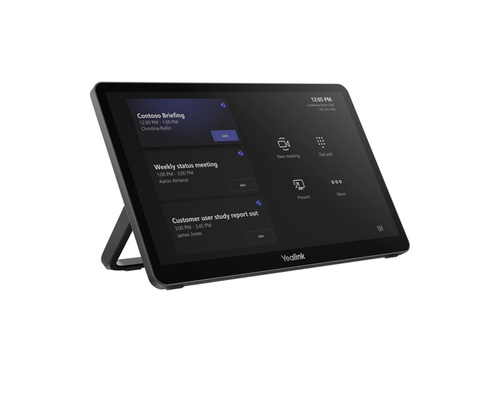
The MTouch Plus-EXT is an expansion touch console that adds an additional control point to an existing MTouch Plus deployment on an MVC series system. One MTouch Plus supports up to four MTouch Plus-EXT units, creating a five-screen control setup that lets participants in different areas of the room manage the meeting simultaneously.
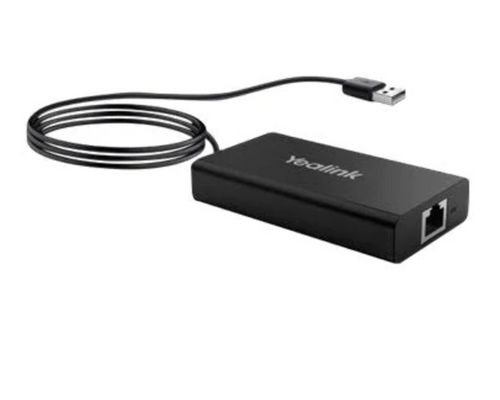
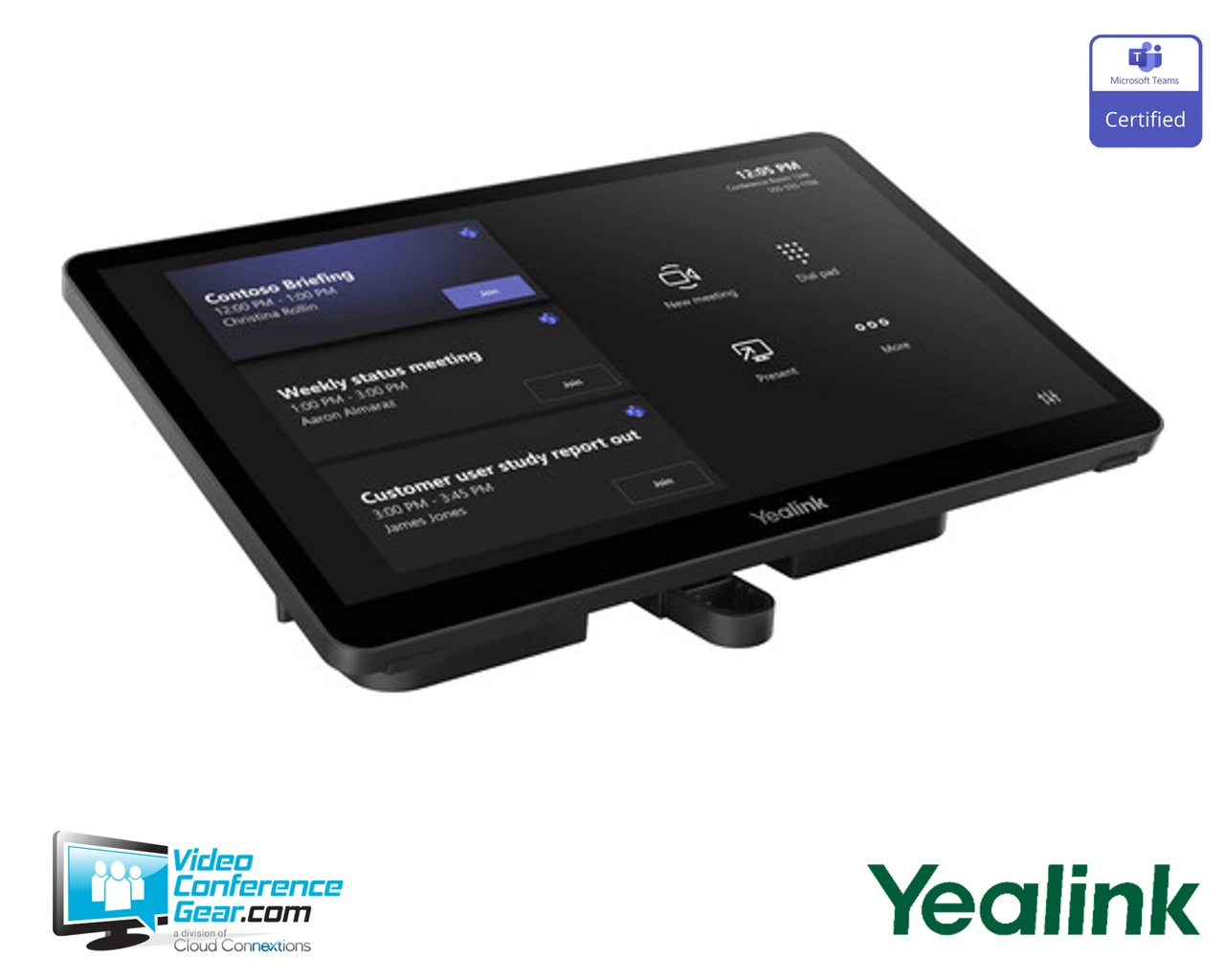
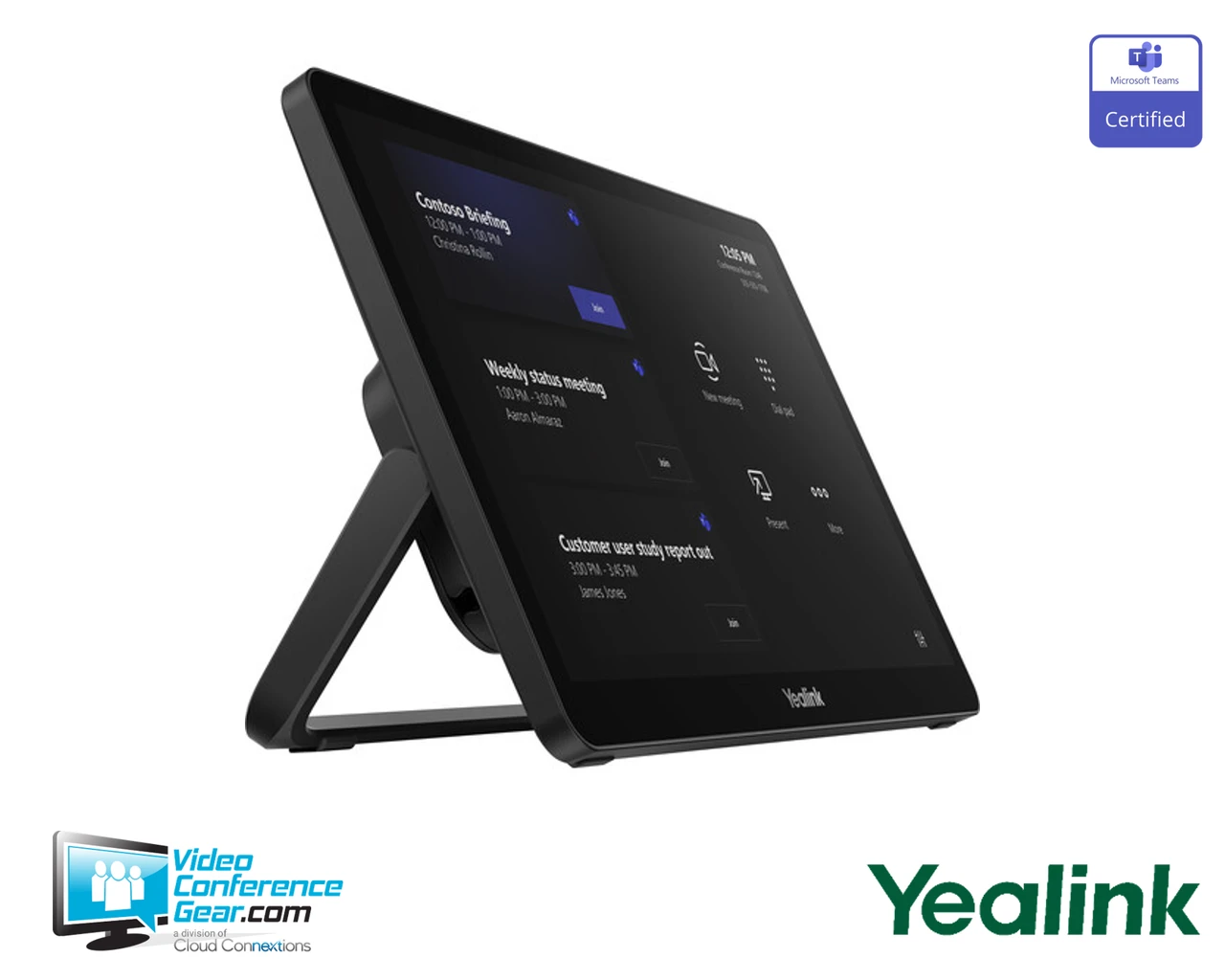
The MTouch Plus-EXT shares the same 11.6-inch, 1080p Full HD, anti-fingerprint, anti-glare IPS display as the primary MTouch Plus, for a consistent look and feel throughout the room. It's powered over a single network cable using the included Yealink YLPOE30 PoE adapter, and supports flexible deployment on the desktop, fixed to the desktop, or wall-mounted. From its position, a participant can independently control the camera and switch layouts, and share content via AirPlay, Miracast, or GoogleCast. Before ordering, confirm the room already has a primary MTouch Plus installed, since this console is an accessory rather than a standalone control unit.
Key Specifications
- Manufacturer model: MTouch Plus-EXT / MTouch Plus-EX Package (SKU 1303092)
- Product type: Expansion touch console for the Yealink MTouch Plus (MVC series)
- Display: 11.6-inch, 1080p Full HD, IPS, anti-fingerprint, anti-glare, narrow bezel, 80% screen-to-body ratio
- Expansion capacity: up to 4 MTouch Plus-EXT units per primary MTouch Plus, for a 5-screen total setup
- Power: PoE via a single network cable, includes Yealink YLPOE30 PoE adapter
- Deployment: desktop placement, desktop-fixed, or wall-mounted
- Functionality: independent camera control and layout switching, content sharing via AirPlay, Miracast, or GoogleCast
What's Included
- MTouch Plus-EXT touch console
- Yealink YLPOE30 PoE adapter
- Mounting/deployment hardware
Certifications and Compatibility
- Yealink MTouch Plus (MVC series): requires an existing primary MTouch Plus installation; this console is an expansion accessory, not standalone.
- Expansion limit: up to 4 MTouch Plus-EXT units per primary MTouch Plus.
- Video conferencing platforms: usable as part of Microsoft Teams Rooms and Zoom Rooms systems built on the MVC series.
- Compatibility is limited to Yealink-published MVC/MTouch Plus systems. Confirm current compatibility against Yealink's documentation for your specific deployment.
Design Considerations
- Confirm the room has a primary MTouch Plus already installed before ordering this expansion console.
- Plan the number of MTouch Plus-EXT units needed based on room size and how many control positions are desired, up to 4 per primary MTouch Plus.
- Choose desktop, desktop-fixed, or wall-mounted placement based on each position's layout.
- Plan PoE network cabling to each MTouch Plus-EXT location.
- For multi-room standardization, specify a consistent number of expansion consoles per room type.
VideoConferenceGear.com Assistance
We can confirm the MTouch Plus-EXT is the right accessory for your existing MTouch Plus deployment, and help plan how many expansion consoles the room needs and where to place them. We can advise on PoE cabling to each position and confirm compatibility with your MVC system. For multi-room and multi-site programs we can help standardize the number of control positions across every room.
Common Questions
Can this be used on its own?
No. It requires an existing primary MTouch Plus installation; it is an expansion accessory.
How many MTouch Plus-EXT units can be added?
Up to four per primary MTouch Plus, for a five-screen control setup total.
How is it powered?
Over a single network cable using PoE, with the Yealink YLPOE30 adapter included.
Can each console control the camera independently?
Yes. Participants at each position can control the camera and switch layouts independently.
How can it be mounted?
On the desktop, fixed to the desktop, or wall-mounted.
Warranty Information
Standard Manufacturer WarrantyProduct Videos
Custom Field
Product Reviews
Cloud Connextions Nationwide Services - Design, Installation & Support - A Partner You can Trust
Cloud Connextions specializes in delivering next-generation office technologies, including physical security, video conferencing, and ProAV solutions. As a valued partner for the design, integration, and support of these systems, we work with industry leaders like Verkada, Zoom, AVer, Crestron, Poly, and more. Our team ensures you receive top-quality products and seamless service. VideoConferenceGear.com is our trusted online source, where you’ll find rigorously tested products backed by our extensive expertise in creating customized technology solutions for modern office environments.