

Highlights
- Capture participants in clear 4K UHD video with 3X optical and 5X digital zoom for 15X total zoom.
- Use motorized pan and tilt to cover a 180° horizontal viewing area and save up to 10 camera presets.
- Pick up voices across an 8 m (27 ft) range with a 10-element beamforming microphone array, echo cancellation, and noise suppression.
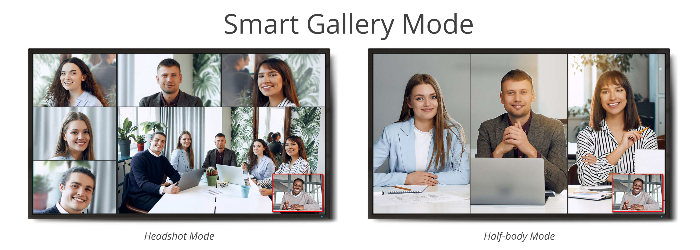
- Use SmartFrame, SmartSpeaker, Smart Gallery, gesture control, presentation tracking, and adjustable Audio Fence to tailor camera and audio behavior to the meeting.
- Connect through USB for plug-and-play use with a laptop or room PC, with network and serial control options available for integrated rooms.
Ideal For
- Huddle rooms and medium conference rooms up to 8 m (26 ft)
- Laptop-based BYOD meeting spaces
- Room-computer video conferencing deployments
- Meeting rooms that need optical zoom and motorized camera positioning
- Multi-room installations requiring centralized camera management
Resources
AVer VB342 Pro 4K USB PTZ Videobar
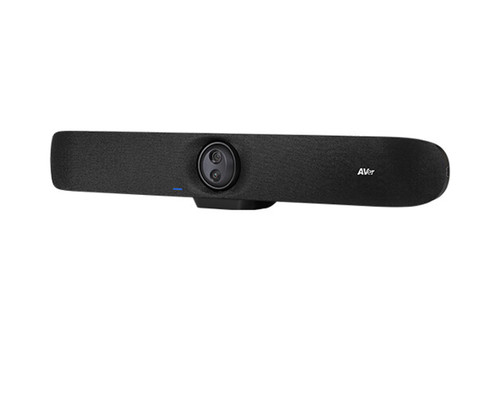
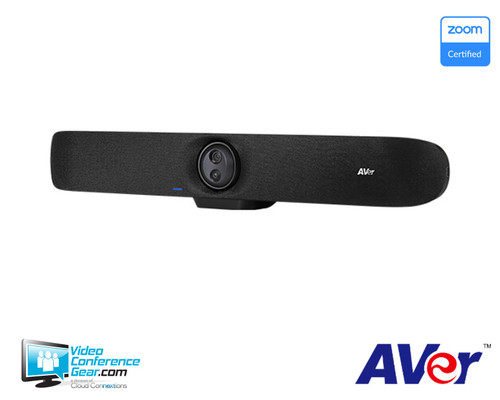
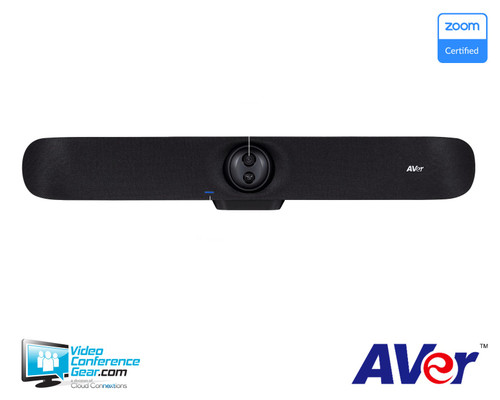
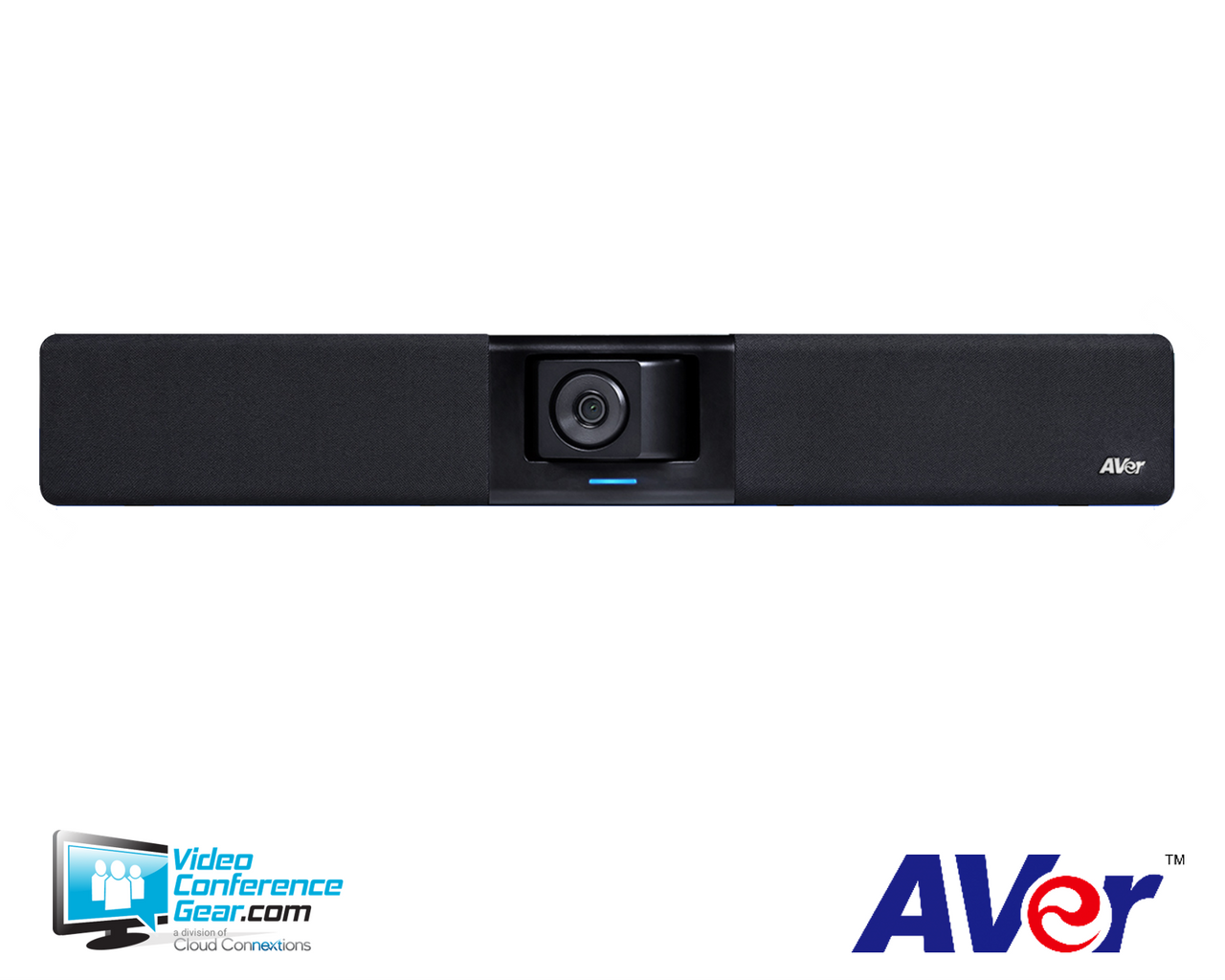
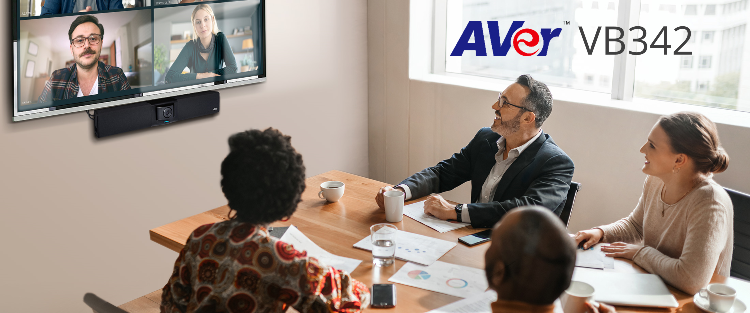
The AVer VB342 Pro combines a 4K PTZ camera, 10-element microphone array, and stereo speakers in one USB videobar for laptop-based and room-computer video meetings. Choose it when your room needs a single front-of-room device with optical zoom, motorized pan and tilt, and built-in audio.
It is best suited to huddle and medium rooms up to 8 m (26 ft). Connect it to a laptop or room PC through USB, select it as the camera and speakerphone in the meeting application, and plan the supporting display, compute device, and conferencing platform separately. HDMI, Ethernet, RS-232, WebUI, and optional expansion audio accessories provide additional options for more tailored room installations.
AVer VB342 Pro Enterprise-Grade 4K PTZ Videobar
Platform Compatibility


- The certified listing identifies ClickShare Conference firmware 02.26 and VB342 Pro peripheral firmware 0.0.7806.18.
- For 4K UHD support, AVer instructs buyers to verify system/hardware requirements with the software application provider.
- Microsoft's directory identifies certified firmware version 0.0.7800.61.
Key Specifications
- Manufacturer part number / SKU: COMVB342P
- Product type: All-in-one USB 4K PTZ videobar with integrated microphones and stereo speakers
- Video: 4K UHD up to 30 fps; True WDR
- Primary PTZ lens field of view: 92° diagonal, 84° horizontal, 53° vertical
- Zoom: 3X optical plus 5X digital; 15X total
- Pan/tilt coverage: 180° total horizontal viewing area and 105° total vertical viewing area
- Camera presets: Up to 10 via remote control or IP web page
- Microphones: 10-element beamforming array with 8 m (27 ft) pickup range
- Speakers: 12 W stereo output (6 W x 2), up to 96 dB SPL at 1/2 m
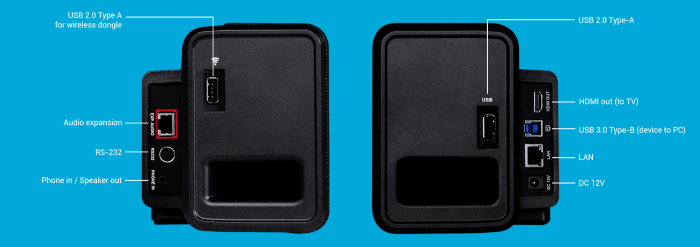
- Connections and control: USB 3.1 Type-B to PC, HDMI output, two RJ45 Ethernet ports, Mini DIN 6 for RS-232, USB Type-A ports, IR remote, and Chrome-browser WebUI/IP control
- Product dimensions and weight: 737.8 x 125.5 x 115.5 mm; 3.1 kg
What's Included
- VB342 Pro videobar
- 10 ft (3 m) power cable
- 5 m USB 2.0 Type-B-to-Type-A cable
- USB Type-A-to-Type-C adapter
- Remote control
- Wall-mount bracket, screws, drill paper, and hook-and-loop strips
- QR-code card
Compatibility
- Meeting and collaboration platforms: AVer lists Zoom, Microsoft Teams, Google Meet, RingCentral, Skype and Skype for Business, Webex, GoToMeeting, WebRTC, and additional applications as compatible.
- Required compute: Connect the videobar to a laptop or room PC and select it as the primary camera and speakerphone in the conferencing application. It is plug-and-play and does not require a special driver.
- Operating systems and hardware guidance: Windows 7/10/11, macOS X 14.4 or later, or Chromebox 3 version 94.0.4606.114 or later; AVer recommends a 3.2 GHz Intel Core i5-4460, 4 GB RAM or more, and USB 3.1, with backward compatibility to USB 2.0.
- 4K deployment: Confirm the conferencing application, room computer, and display workflow support the desired 4K UHD experience.
- Room and AV control: HDMI output, LAN, RS-232, IR remote control, and browser-based WebUI/IP control support a range of room integration approaches.
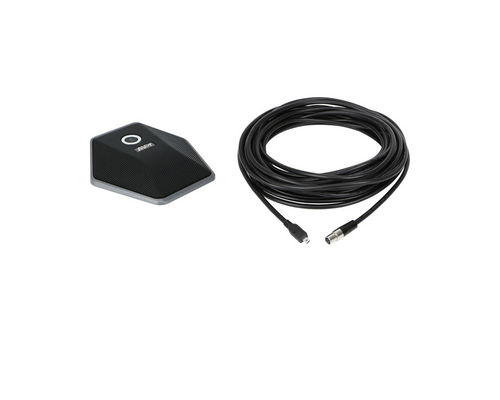
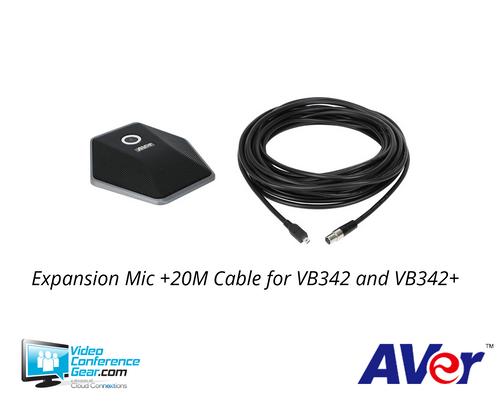
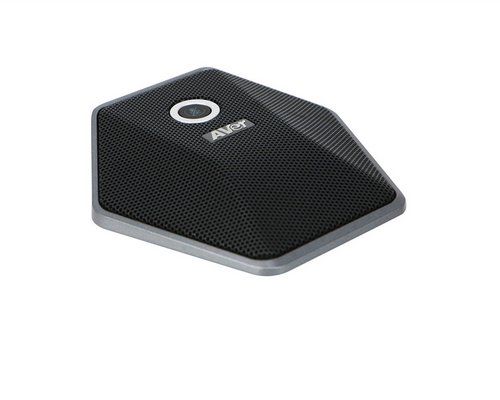
- Audio expansion: Optional 10 m or 20 m expansion microphones and expansion speakerphones are available when the standard integrated audio coverage is not sufficient.
Licensing, Warranty & Support
No subscription is required to operate the camera. AVer PTZApp 2, EZManager 2, and EZLive are free Windows and Mac applications. PTZApp 2 provides camera settings and control and is required to use Smart Gallery; EZManager 2 supports centralized firmware/software updates, camera control, and settings for multiple devices. Your selected meeting platform or room-compute solution may have its own licensing requirements. AVer provides a 3-year camera warranty and a 1-year accessory warranty. The first-year advanced replacement program has a 72-hour replacement target for Continental USA, Alaska, and Hawaii. Manufacturer resources include manuals, videos, firmware, software, FAQs, registration, technical-support requests, warranty/return information, and RMA requests.
VideoConferenceGear.com Assistance
We can help validate the VB342 Pro for your room size and seating layout, confirm laptop or room-computer platform requirements, and select the right display, mounting approach, and optional expansion audio. For larger rollouts, we can also coordinate nationwide deployment and ongoing support.
Common Questions
Can the VB342 Pro be used for BYOD meetings?
Yes. Connect the videobar to a laptop or PC, then select it as the primary camera and speakerphone in the video application. AVer describes the USB connection as plug-and-play with no special driver required.
Which meeting applications work with the VB342 Pro?
AVer lists Zoom, Microsoft Teams, Google Meet, RingCentral, Skype and Skype for Business, Webex, GoToMeeting, WebRTC, and additional applications as compatible. Confirm the application provider's system requirements when planning for 4K UHD video.
What is included with the videobar?
The package includes the VB342 Pro, power cable, 5 m USB Type-B-to-Type-A cable, Type-A-to-Type-C adapter, remote control, wall-mount hardware, hook-and-loop strips, drill paper, and QR-code card.
Does Smart Gallery require a subscription?
No AVer subscription is required for standard camera operation. Smart Gallery requires the free AVer PTZApp 2 application to be running.
What warranty coverage applies?
The camera is covered by a 3-year warranty, while accessories carry a 1-year warranty. AVer also provides a first-year advanced replacement program with a 72-hour replacement target for Continental USA, Alaska, and Hawaii.
Warranty Information
3-year limited hardware warranty on main unit (Battery, remote and accessories limited 1-year warranty)Product Videos
Custom Field
Product Reviews
Cloud Connextions Nationwide Services - Design, Installation & Support - A Partner You can Trust
Cloud Connextions specializes in delivering next-generation office technologies, including physical security, video conferencing, and ProAV solutions. As a valued partner for the design, integration, and support of these systems, we work with industry leaders like Verkada, Zoom, AVer, Crestron, Poly, and more. Our team ensures you receive top-quality products and seamless service. VideoConferenceGear.com is our trusted online source, where you’ll find rigorously tested products backed by our extensive expertise in creating customized technology solutions for modern office environments.