


Highlights
- 4K content sharing (3840 x 2160 @30fps) for high-visual-impact meetings.
- Wi-Fi 6E for faster speeds, lower latency, and reduced interference.
- USB-C DisplayPort connectivity; no software or driver installation needed.
- Deliberate-press activation to prevent accidental sharing.
- Compatible with all major operating systems, including Windows, macOS, Linux, and Chrome.
- Key component of the ClickShare Hub Core and Hub Pro room systems.
Ideal For
- Replacing or adding a Button to an existing ClickShare Hub Core or Hub Pro deployment
- Expanding Button inventory for rooms with frequent presenter handoffs
- Standardizing Button stock across multi-room ClickShare Hub deployments
Resources
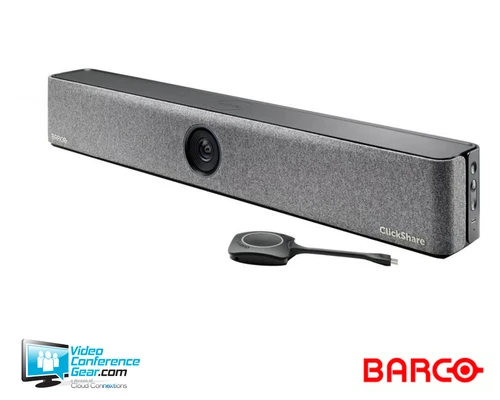
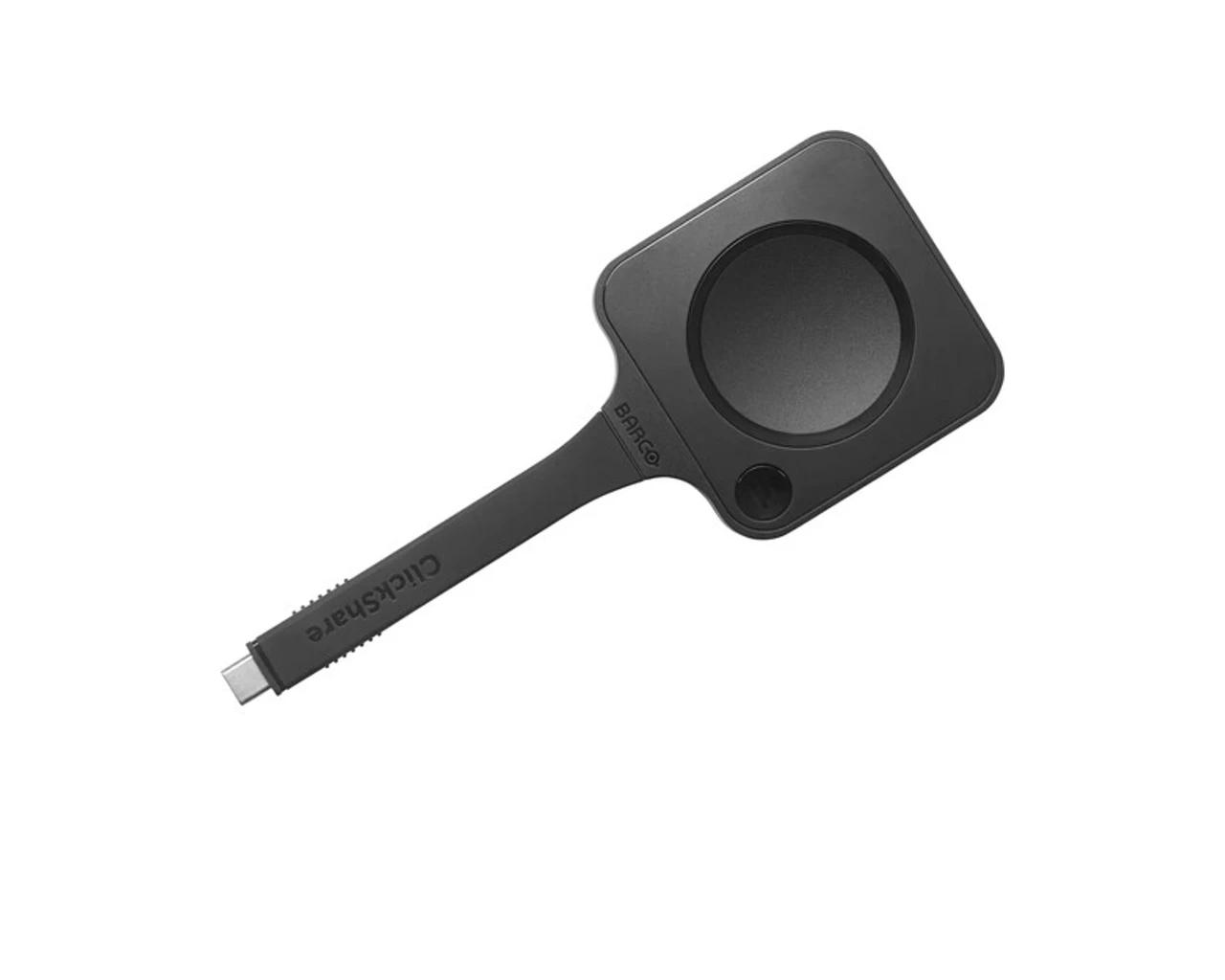
Barco ClickShare Button, 5th Gen, US (R9861700D01CUS), for ClickShare Hub
The 5th gen ClickShare Button gives a laptop one-click 4K wireless content sharing over USB-C DisplayPort, with no software or driver installation needed. A deliberate press is required before sharing starts, which helps prevent accidental content display.
This Button is a key component of the ClickShare Hub Core (1 Button standard) and Hub Pro (2 Buttons standard) room systems, and is sold here as a standalone spare or replacement. Confirm the Button generation matches the Base Unit already deployed in the room before ordering.
Key Specifications
- Video output: up to 4K (3840 x 2160) @30fps
- Connector: USB Type-C 3.1 Gen1, supports USB-C DisplayPort Mode
- Authentication protocol: WPA3-SAE in standalone mode
- Wireless: IEEE 802.11 a/b/g/n/ac/ax
- Reach: up to 100 ft. (30 m) between Button and Base Unit
- Frequency band: 2.4GHz, 5GHz, and 6GHz
- Dimensions (H x W x D): 0.63 in x 2.48 in x 6.35 in (16 x 63 x 161.3 mm)
- Weight: 0.19 lb (88 g)
- Power: powered over USB, 5V DC, 600mA typical, 900mA maximum
- Operating temperature: 32°F to 104°F (0°C to 40°C)
Certifications and Compatibility
- Key component of ClickShare Hub Core (1 Button standard) and Hub Pro (2 Buttons standard).
- Compatible with all major operating systems, including Windows, macOS, Linux, and Chrome.
VideoConferenceGear.com Assistance
We can help confirm this Button generation matches your existing ClickShare Hub Base Unit before you order, and help plan Button inventory across a multi-room deployment.
Common Questions
What room systems is this Button designed for?
ClickShare Hub Core and Hub Pro.
Does it require software or drivers?
No. It connects via USB-C DisplayPort with no installation needed.
What is the wireless reach?
Up to 100 ft. (30 m) between the Button and Base Unit.
Does it work across operating systems?
Yes. It is compatible with Windows, macOS, Linux, and Chrome.
Warranty Information
Standard Manufacturer WarrantyProduct Videos
Custom Field
Product Reviews
Cloud Connextions Nationwide Services - Design, Installation & Support - A Partner You can Trust
Cloud Connextions specializes in delivering next-generation office technologies, including physical security, video conferencing, and ProAV solutions. As a valued partner for the design, integration, and support of these systems, we work with industry leaders like Verkada, Zoom, AVer, Crestron, Poly, and more. Our team ensures you receive top-quality products and seamless service. VideoConferenceGear.com is our trusted online source, where you’ll find rigorously tested products backed by our extensive expertise in creating customized technology solutions for modern office environments.