




Highlights
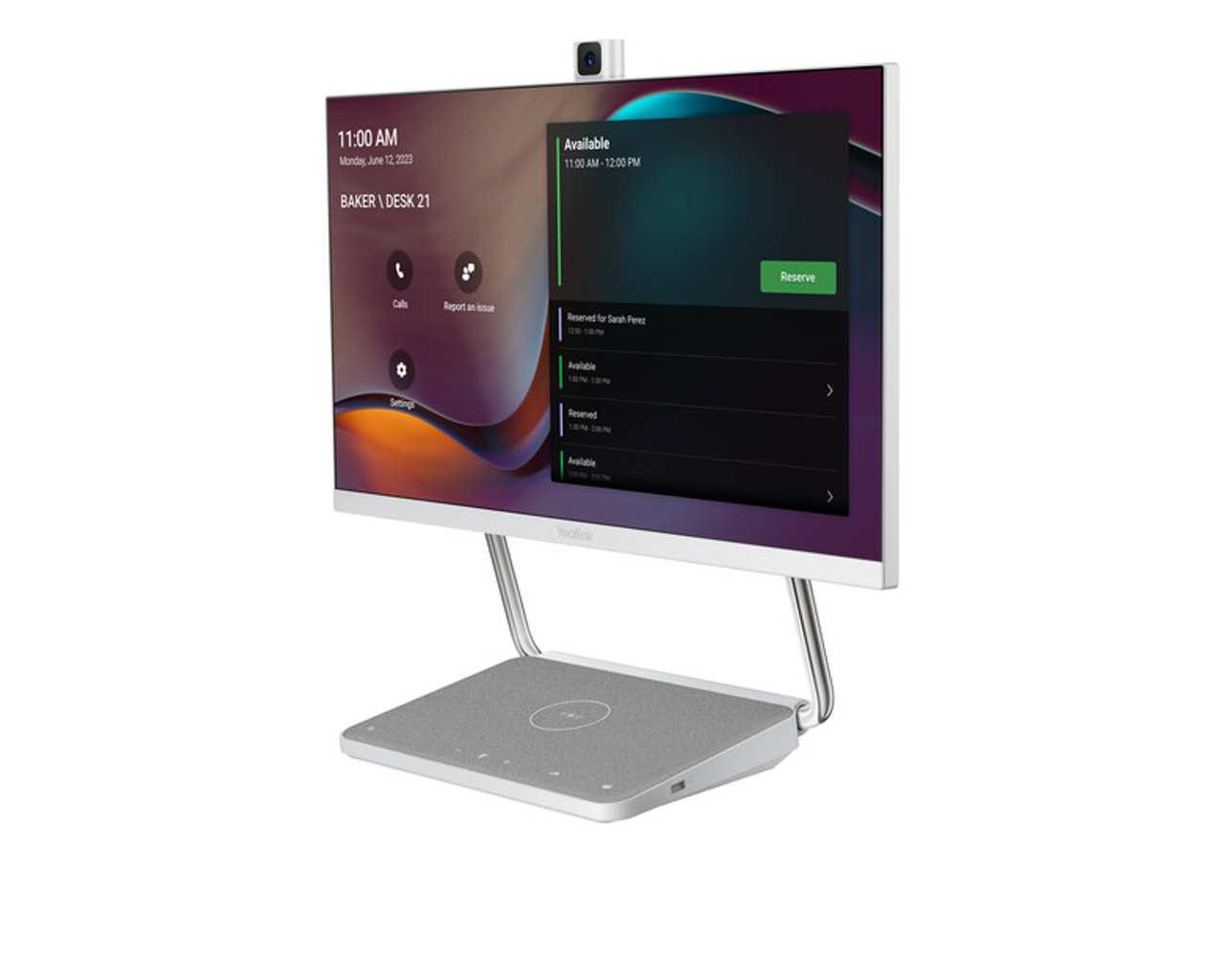
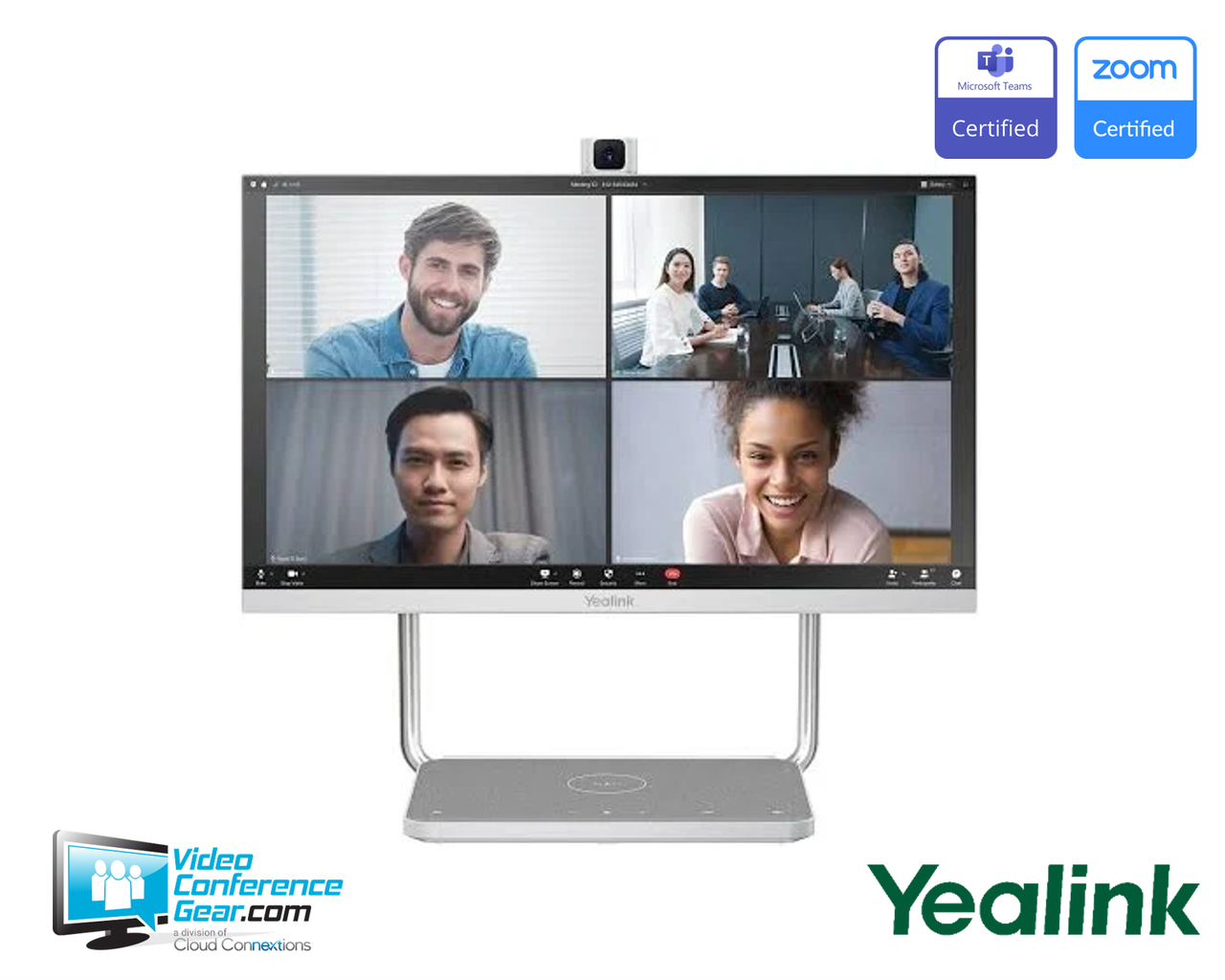
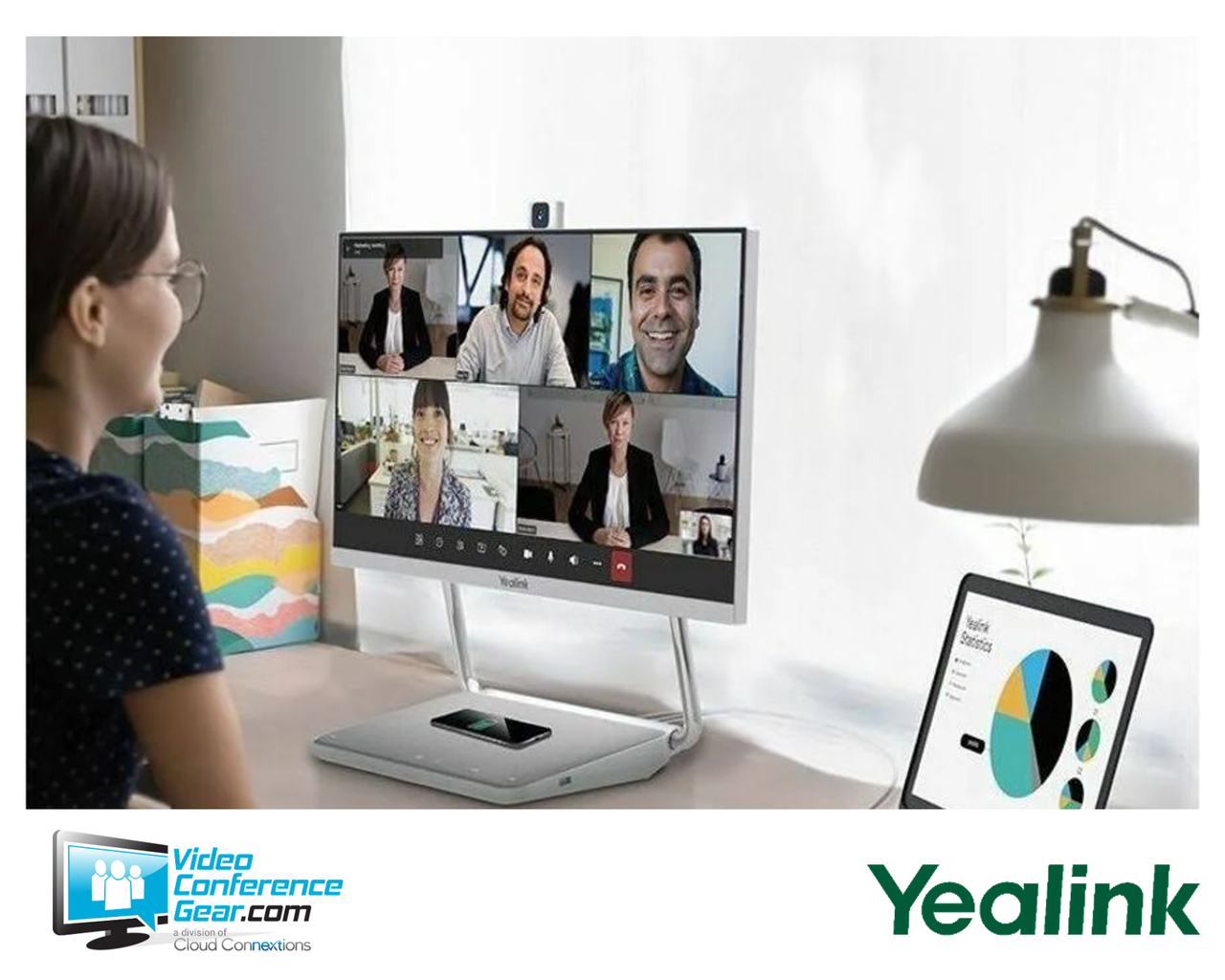
- All-in-one 23.8-inch Full HD touchscreen that combines display, camera, microphones, and speakers in a single desktop device.
- Certified for Microsoft Teams Rooms on Android and Zoom, running Android 10 as an independent conferencing endpoint.
- Pop-up 4K camera module delivering 1080p Full HD conferencing video, with a retractable privacy design.
- Microphone array and stereo speakers with a dedicated audio processing chip, full-duplex audio, and Yealink Intelligent Noise Cancellation.
- One-button switch to UC Workstation mode, turning the unit into a USB-C dock for a laptop with secondary display, BYOD meetings, PD power, and USB hub.
- Single USB-C cable provides content, power delivery, network, and peripheral access to a connected laptop.
- Wireless charging pad and adjustable bracket for a minimal, single-cable desk.
Ideal For
- Personal offices and executive desks needing a dedicated collaboration display
- Phone rooms upgraded into hybrid Microsoft Teams Rooms spaces
- Hot-desking environments using personal Teams sign-in and sign-out
- Home offices standardizing on a single all-in-one collaboration device
- BYOD and UC Workstation setups driven from a laptop over USB-C
- Enterprise desktop standardization programs reducing peripheral sprawl
Resources
Yealink DeskVision A24 All-in-One Desktop Collaboration Display for Personal and Phone Rooms (1303161)
The DeskVision A24 is an all-in-one desktop collaboration display that integrates a 23.8-inch Full HD touchscreen, a pop-up camera, a microphone array, and stereo speakers into one device. It runs Android 10 as an independent, certified conferencing endpoint, so a personal office or phone room can join Microsoft Teams or Zoom meetings directly from the screen with one touch, without depending on a laptop's software session. The pop-up 4K camera delivers 1080p Full HD conferencing video, and the built-in audio uses a dedicated processing chip with intelligent noise cancellation for full-duplex calls.
Its second role is the practical reason many buyers choose it. With one-button switching, the A24 becomes a UC Workstation for a connected laptop, acting as a USB-C dock that provides a secondary touch display, camera, microphone, and speakers for BYOD meetings, along with Power Delivery, network, and extra USB ports over a single cable. Before ordering, decide whether the unit will be deployed as a standalone Teams Rooms on Android device, as a personal Teams display with hot-desking, or primarily as a USB-C workstation for a laptop, since that determines licensing and network needs. Confirm the desk has a suitable position for the adjustable bracket and that the connected laptop supports USB-C DisplayPort Alt Mode and Power Delivery.
Key Specifications
- Manufacturer model: DeskVision A24 (SKU 1303161)
- Product type: All-in-one desktop collaboration display and UC endpoint
- Display: 23.8-inch Full HD LCD, 1920 x 1080, in-cell touch, 60 Hz, 178° viewing angles
- Operating system: Android 10
- Camera: pop-up 4K camera module, 1080p Full HD conferencing video, retractable privacy design
- Audio: built-in microphone array and stereo speakers, dedicated audio processing chip, full-duplex, AI noise cancellation and echo cancellation
- Modes: standalone UC endpoint (Teams Rooms on Android, Zoom) and UC Workstation (USB-C dock) with one-button switching
- USB-C docking: secondary display output, USB camera/mic/speaker to laptop, Power Delivery, network, USB hub
- Wireless charging: built-in charging pad
- Connectivity: USB-C, Bluetooth
- Mounting: adjustable bracket, all-in-one desktop form factor
What's Included
- DeskVision A24 all-in-one collaboration display
- Adjustable desktop bracket
- Power adapter and cabling
Certifications and Compatibility
- Microsoft Teams Rooms on Android: certified. Runs as an independent Teams endpoint on Android 10.
- Zoom: certified. Supported as an independent conferencing endpoint.
- Personal Teams display and hot-desking: supports personal Teams sign-in, with data cleared on sign-out.
- UC Workstation (BYOD): connects to a laptop over USB-C to provide a secondary display, camera, microphone, speakers, Power Delivery, network, and USB hub.
- Host laptop for USB-C mode: requires USB-C with DisplayPort Alternate Mode and Power Delivery support. Confirm host capability before deployment.
- Management: managed through the relevant platform admin center and Yealink's management platforms.
Design Considerations
- Decide the deployment mode during planning. As a standalone Teams Rooms on Android or Zoom endpoint it needs a room or user license and a network path; as a UC Workstation it docks a laptop over USB-C.
- Confirm the connected laptop supports USB-C DisplayPort Alternate Mode and Power Delivery for full workstation functionality.
- Plan the desk position for the adjustable bracket, and account for the pop-up camera's clearance above the display.
- For hot-desking, confirm the sign-in and sign-out workflow and that personal data clearing on sign-out meets your security policy.
- For fleet standardization, confirm a consistent deployment mode and accessory set so every desk is provisioned the same way.
Licensing, Warranty & Support
Used as a standalone conferencing endpoint, the DeskVision A24 requires the relevant platform license, such as a Microsoft Teams or Zoom license, which is separate from the hardware. In UC Workstation mode it operates as a USB-C dock and peripheral set for a connected laptop, where meeting software runs on the laptop. The device is covered by Yealink's standard limited hardware warranty, with terms available from Yealink or an authorized reseller at the time of purchase. Configuration and management are handled through the relevant platform admin center and Yealink's management platforms.
VideoConferenceGear.com Assistance
We can help confirm whether the DeskVision A24 fits your use case as a standalone Teams Rooms on Android or Zoom endpoint, a personal hot-desking Teams display, or a USB-C UC Workstation for a laptop, since that choice drives licensing and network needs. We can verify your laptops support the USB-C DisplayPort Alternate Mode and Power Delivery the workstation mode relies on, plan desk placement and sign-in workflow for hot-desking, and standardize the deployment mode and accessories across a multi-desk or multi-site rollout.
Common Questions
Is the DeskVision A24 certified for Teams and Zoom?
Yes. It is certified for Microsoft Teams Rooms on Android and for Zoom, running as an independent conferencing endpoint on Android 10.
Can it be used as a regular monitor for my laptop?
Yes. With one-button switching it becomes a UC Workstation, acting as a USB-C dock that gives your laptop a secondary touch display, camera, microphone, speakers, Power Delivery, network, and USB ports.
Is the camera 4K?
The pop-up camera module is 4K-class, and it delivers 1080p Full HD video for conferencing.
How many cables does it need?
As an all-in-one endpoint it can run from a single power cable. In workstation mode, a single USB-C cable carries content, power, network, and peripherals to a laptop.
Does it support hot-desking?
Yes. Users can sign in to their personal Teams on the screen and sign out afterward, with personal data cleared on sign-out.
Does it charge a phone?
Yes. It includes a built-in wireless charging pad.
Warranty Information
Standard Manufacturer WarrantyProduct Videos
Custom Field
Product Reviews
Cloud Connextions Nationwide Services - Design, Installation & Support - A Partner You can Trust
Cloud Connextions specializes in delivering next-generation office technologies, including physical security, video conferencing, and ProAV solutions. As a valued partner for the design, integration, and support of these systems, we work with industry leaders like Verkada, Zoom, AVer, Crestron, Poly, and more. Our team ensures you receive top-quality products and seamless service. VideoConferenceGear.com is our trusted online source, where you’ll find rigorously tested products backed by our extensive expertise in creating customized technology solutions for modern office environments.